
3D Art and Sculpture: Blender, ZBrush, and Printing in Three Dimensions
Explore 3D art and digital sculpture using Blender and ZBrush. Learn how artists move from screen to physical object with 3D printing and the new forms it enables.
Your cart is empty
Browse the store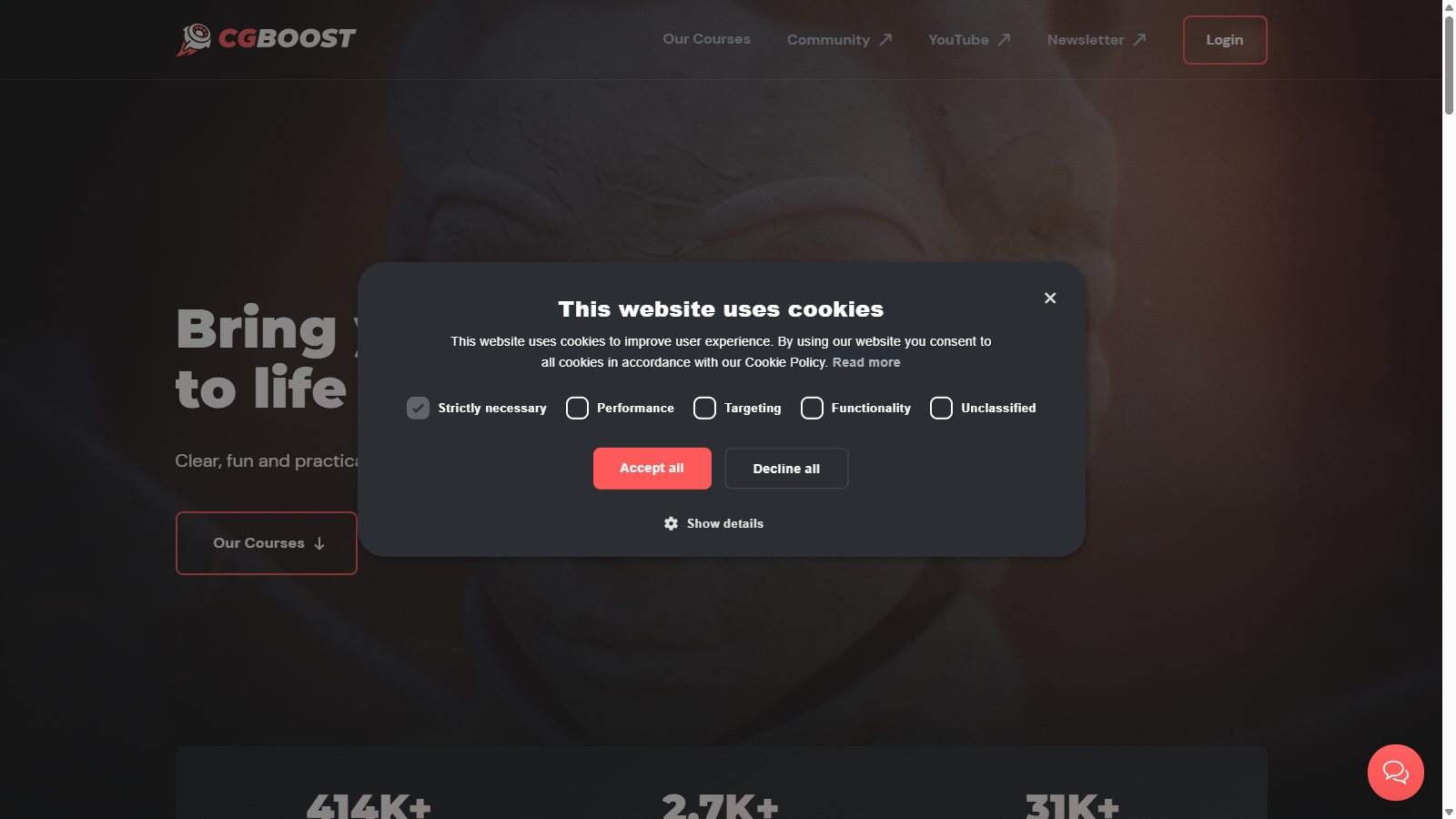
Zach Reinhardt's pay-once Blender school with free beginner training, polished premium courses, and human support, all built around a single clear learning path.
Last updated on November 15, 2026
Discover other art courses you might be interested in
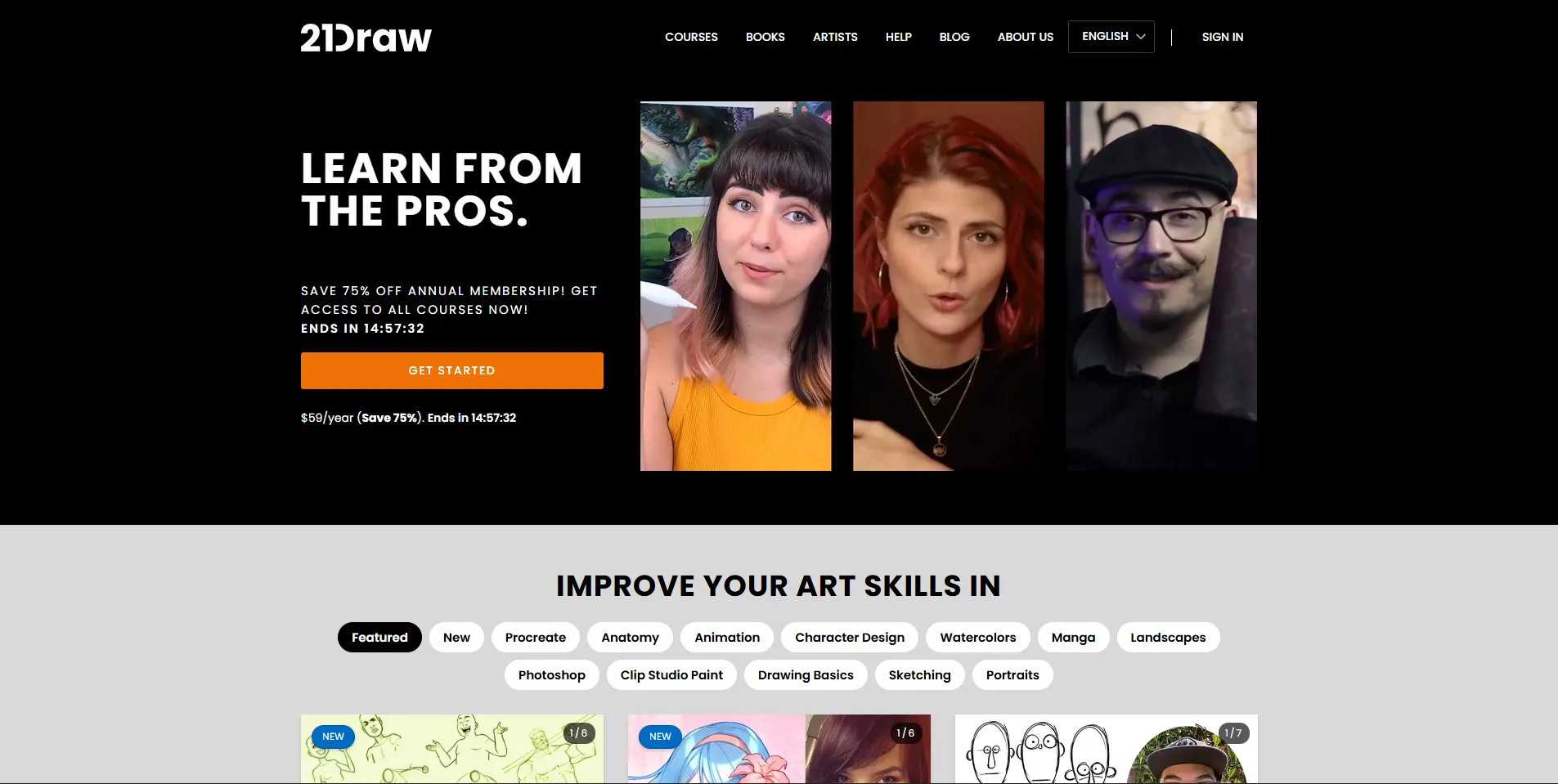
21 Draw offers 70+ illustration courses from Disney, Marvel, and Pixar artists at $59/year. Honest review of pricing, course quality, and who it suits.
View details
Digital Painting Fundamentals bridges traditional and digital art with 8 weeks of structured lessons. Honest review of curriculum and value.
View detailsExplore definitions from our glossary that connect to this course
3D modeling is the process of creating three-dimensional objects in digital space. Learn its history from the 1975 Utah teapot to Meta's SAM 3D and Roblox's AI Build in 2026.
Browser art is art made with or for web browsers. Learn its history from early net art to WebGPU generative works commissioned by the Whitney Museum in 2026.
Read more about this topic on our blog
Explore 3D art and digital sculpture using Blender and ZBrush. Learn how artists move from screen to physical object with 3D printing and the new forms it enables.

Trace digital art from 1960s plotter drawings to AI image generation. This complete history covers every landmark moment in creative computing and digital making.

A practical comparison of Procreate, Photoshop, and Illustrator for digital artists. Learn what each tool does best, the raster vs vector distinction, and how to choose the right one for your specific workflow.
Blender is free, which means learning Blender is chaos: a thousand YouTube tutorials in no order, each assuming different versions and prior knowledge. Zach Reinhardt built CG Boost in 2019 to fix exactly that. The pitch is one clear path, polished production, project files, human support, and no subscription. You pay once and keep the course forever.
The generosity is strategic. Three full beginner courses are free: Blender for Beginners, Blender Robot Creation for Beginners, and Blender Sculpting for Beginners. They function as a genuine on-ramp and as a quality check on the teaching before you spend anything.
Every premium course includes project files, community access, support from humans rather than a ticket bot, a completion certificate, captions in ten languages, and a 30-day money-back guarantee. Downloads unlock automatically after 30 days or on request.
Each course is one project built start to finish, in deliberate sequence: modeling, sculpting, texturing, lighting, animation, rendering. Launch Pad 2 produces a finished car animation; the masterclass courses produce portfolio pieces like characters or city environments. Guest instructors cover specialties like Grease Pencil illustration and hard-surface robot design.
The pacing assumes motivated beginners, not experts. That is rare in 3D training, where most content either condescends or assumes you already work at a studio.
It is Blender only. Artists wanting Maya, ZBrush pipelines, or 2D fundamentals need CG Spectrum, Gnomon, or CGMA, which also offer live mentor feedback CG Boost lacks. Courses are self-paced with community support, not scheduled cohorts with graded work.
The 30-day download gate is designed against refund abuse and reads worse than it is, but offline watchers should know streaming is required for the first month. And while quality is high, the catalog is small: a dozen-odd courses against the hundreds on Udemy, whose Blender courses cost less on sale but vary wildly in quality.
Community challenges run periodically inside the academy, giving structure and deadlines the self-paced format otherwise lacks. Certificates on completion are simple PDFs, fine for a resume line rather than accreditation.
Do the three free courses first in order: they are the syllabus that premium courses assume. Launch Pad 2 is the definitive entry point now; buy Launch Pad 1 only if you are stuck on older Blender versions, since it receives no further updates. Bundles cut the per-course cost sharply if you know you want environments plus characters.
Sales appear around Blender releases and holidays. Joining the newsletter surfaces discounts that do not show on the site permanently.
Blender updates fast, which is why the Launch Pad split matters: Launch Pad 1 is frozen at Blender 2.8 to 4.0 while Launch Pad 2 targets 5.0+. Premium courses receive fixes and minor updates free, typically through the end of the release year, with major Blender version jumps treated as new courses rather than free upgrades. That is fair, but students should check which Blender version a course assumes before buying an older title.
Reinhardt has used Blender since 2004 and freelanced before teaching, and the course design reflects a practitioner's impatience with fluff: no theory lectures that could be a blog post, every lesson tied to producing the project in front of you.
Courses run on the company's Teachable-based academy, which handles the streaming, certificates, and community access. The checkout experience is clean and the money-back terms are stated plainly.
The natural comparison is Grant Abbitt's courses and the YouTube ecosystem of creators like Blender Guru. CG Boost costs more than either and earns it through coherence and support; their free courses are proof-of-quality rather than a complete path. Against subscription platforms like LinkedIn Learning-adjacent catalogs, the pay-once model wins for a skill you learn once.
Aspiring 3D artists who want a structured Blender education with real support, hobbyists moving from 2D art into 3D, and students building portfolio pieces without a degree. Professionals needing industry-pipeline training or mentorship should look at CG Spectrum or CGMA; for everything short of that, CG Boost is the best-produced independent option in Blender education.
Quiet Canvas is a space for artists and art lovers: essays, glossary terms, tools, and curated directories to support your creative practice.
Learn more →Hand-picked matches from our other directories

3D modeling is the process of creating three-dimensional objects in digital space. Learn its history from the 1975 Utah teapot to Meta's SAM 3D and Roblox's AI Build in 2026.
View details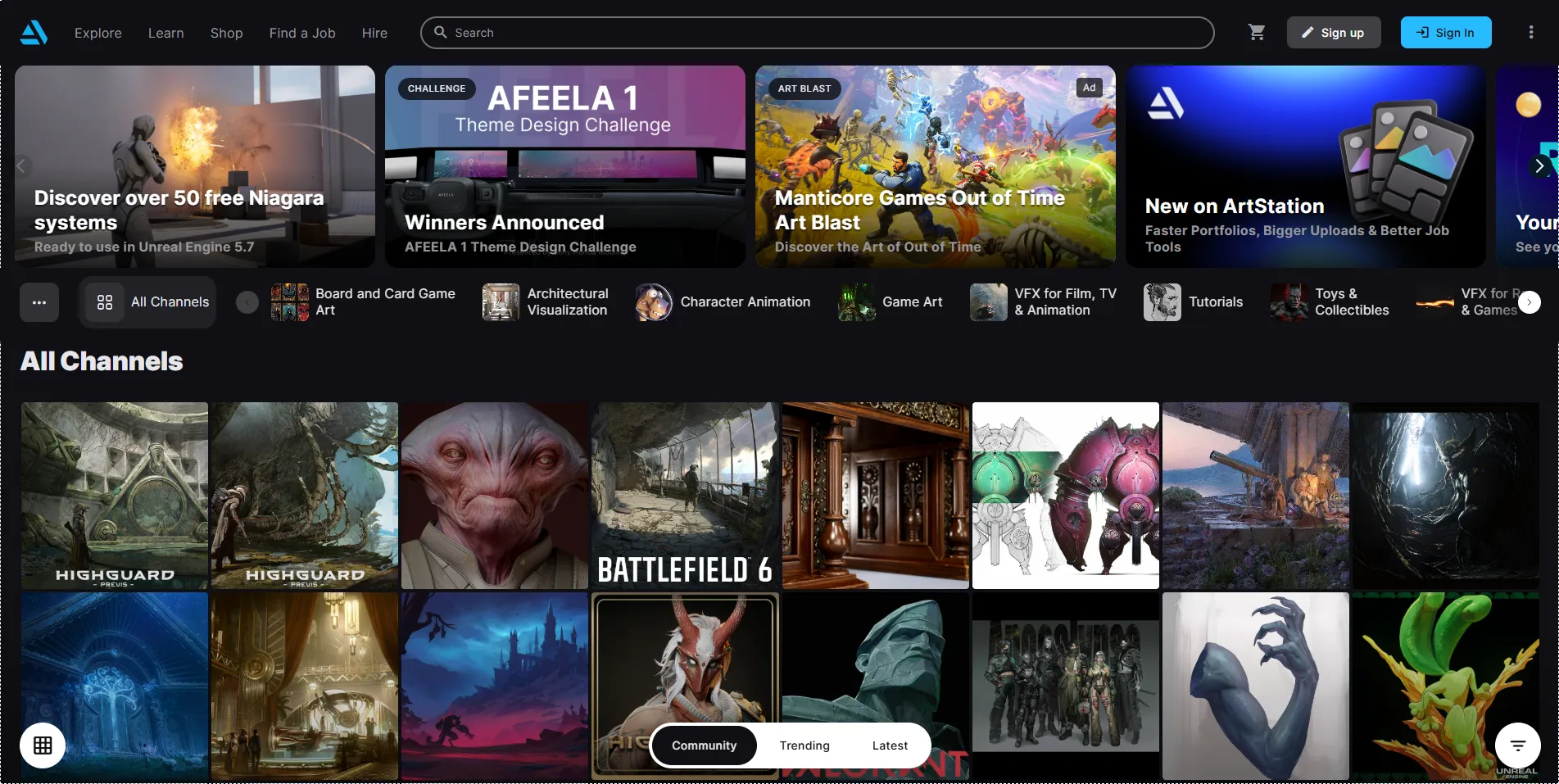
The industry-standard portfolio platform for 10M+ entertainment artists, with a job board, challenges, learning resources, and the State of the Art Report tracking hiring trends.
View details
The undisputed industry standard for photo editing and digital art. Discover why professionals worldwide rely on Adobe Photoshop for everything from retouching to complex composites.
View details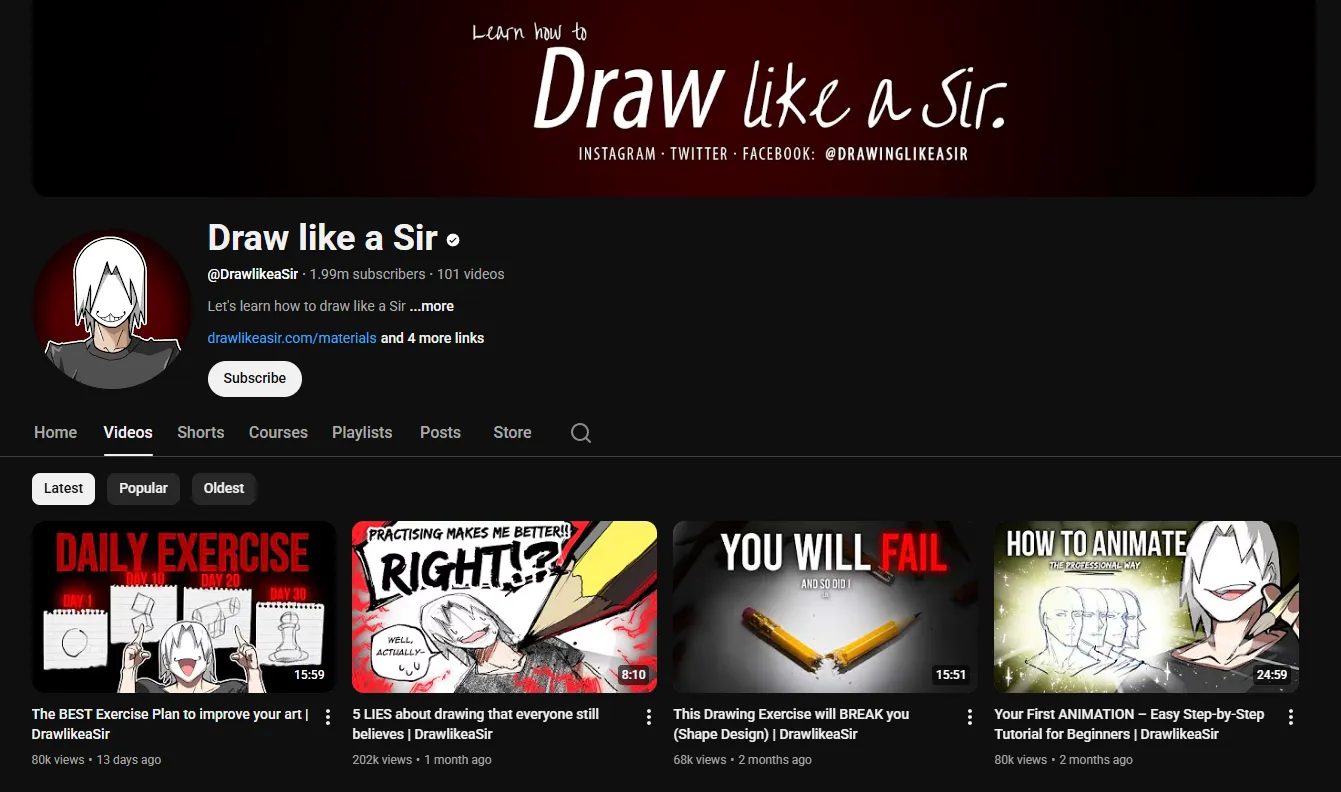
2.1 million subscribers and a British persona: Marcel Kuhn teaches manga and character design with humor, genuine technique, and published how-to books from Quarto Publishing.
View details


