Digital Painting Fundamentals: Bridging the Gap from Traditional to Digital
You can draw. You understand composition, value, and color theory. You can render form with pencil or paint. But every time you open Photoshop or Procreate, the work feels flat, lifeless, and fundamentally different from what you produce on paper or canvas. This is the most common frustration among traditional artists attempting the digital transition, and Digital Painting Fundamentals is built specifically to solve it.
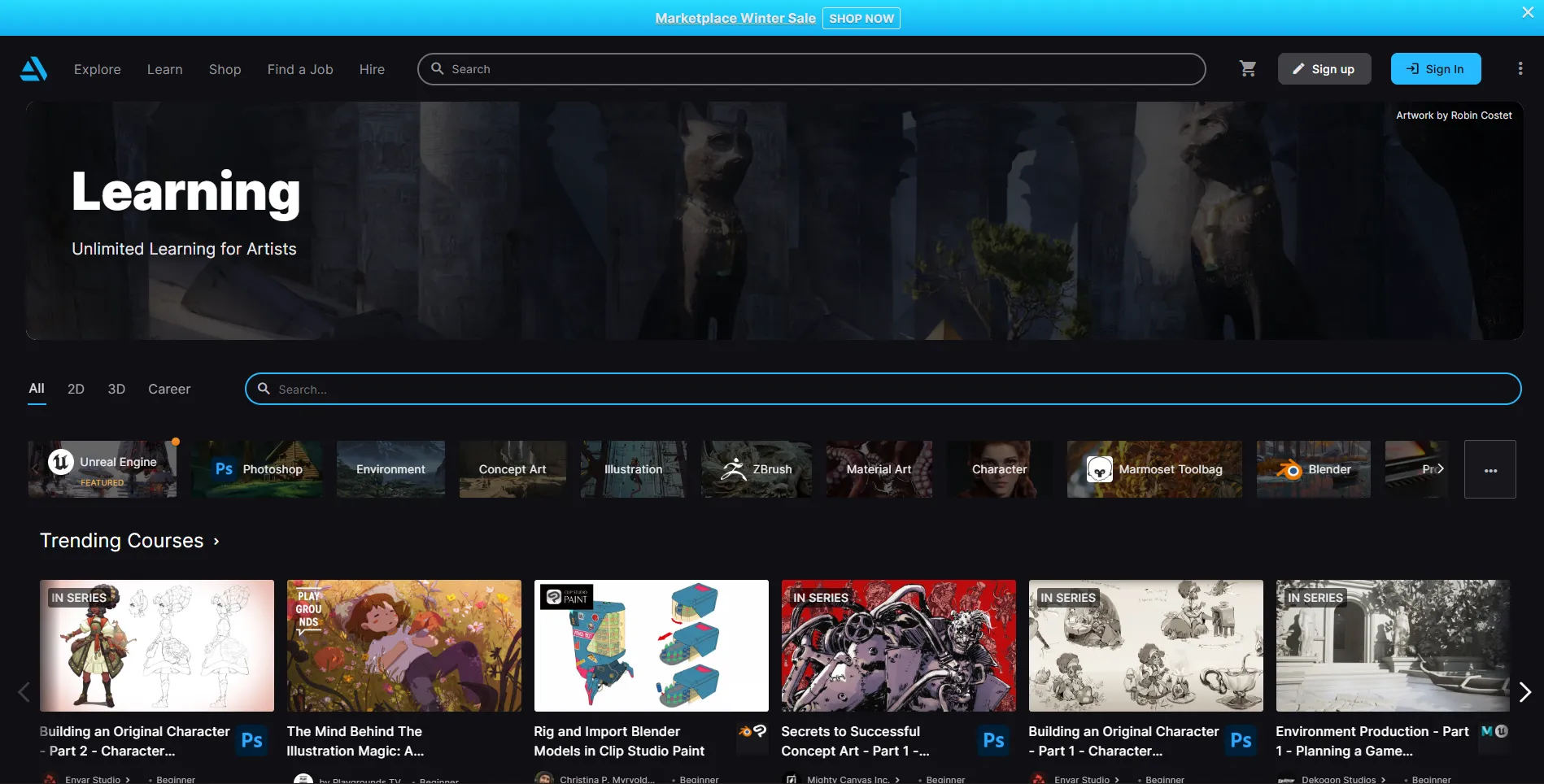
Taught by Sarah Chen, a professional digital artist with over a decade of experience in concept art and illustration, this 8-week course on ArtStation Learning walks you through the specific challenges of translating traditional skills to digital tools. At $49.99, it sits in the middle of the pricing spectrum: more expensive than free resources like Ctrl+Paint, but far cheaper than live courses from CGMA or Brainstorm School. The question is whether the structured curriculum and instructor access justify the price.
The Core Problem This Course Solves
The transition from traditional to digital art frustrates artists because digital tools behave differently from physical media in ways that are not immediately obvious. Digital brushes do not respond like physical brushes. The relationship between hand pressure and mark-making changes when you introduce a tablet. The sheer number of tools, settings, and options creates decision paralysis. And the capabilities that make digital painting powerful (unlimited undo, non-destructive layers, instant color adjustments) can overwhelm artists accustomed to the direct, tactile experience of physical media.
This course addresses those specific challenges directly. Rather than assuming you need to learn art from scratch, it assumes you already understand traditional art principles and focuses on teaching you how to apply those principles in a digital environment. The distinction matters. You are not relearning how to see or how to compose. You are learning how to use digital tools to execute the artistic decisions you already know how to make.
The 8-Week Curriculum
The course is structured as a progressive build, with each week reinforcing and extending the previous week's concepts:
Weeks 1-2: Digital Foundations. You learn to configure your digital workspace properly. Canvas size, resolution, color profile, and file format choices affect your work from the start, and getting these wrong creates problems later. Brush techniques and controls are introduced systematically: pressure sensitivity, opacity, flow, and blending modes, and how they interact to create different mark-making effects. File management best practices prevent the lost work and bloated files that plague self-taught digital artists.
Week 3: Color in Digital Space. Digital color works differently than traditional color. The additive color model of screens differs from the subtractive model of physical pigments. Digital tools offer color manipulation capabilities (color grading, hue/saturation adjustments, selective color) that have no traditional equivalent. You learn digital color mixing and blending, how to create mood through strategic color choices, and how to use color grading to transform the emotional quality of a painting.
Week 4: Composition and Design. Compositional principles are universal across media, but digital tools offer specific advantages: the ability to resize, reposition, and transform elements non-destructively, to test multiple arrangements quickly, and to use digital perspective tools for accurate spatial construction. You learn to leverage these capabilities while applying fundamental principles of visual hierarchy, balance, and viewer guidance.
Week 5: Light and Shadow. Digital painting excels at lighting. The ability to adjust lighting endlessly without starting over, to paint on separate layers for different light sources, and to use blending modes for complex lighting effects makes digital an extraordinarily powerful medium for studying and rendering light. You learn to create realistic shadows, explore ambient and dramatic lighting techniques, and understand how to develop sophisticated lighting efficiently.
Week 6: Texture and Detail. You learn to create convincing digital textures using custom brushes, layering techniques, and digital effects. The instruction covers both creating custom brushes for specific textural effects and strategically using existing brush libraries. You also learn when detail serves the painting and when it becomes counterproductive, which is a judgment skill that separates professional work from amateur over-rendering.
Weeks 7-8: Style Development and Presentation. You explore different digital painting styles, develop consistency in your work, and create portfolio pieces that demonstrate your new digital capabilities. The instruction covers professional file preparation, presentation standards, and practical considerations for sharing and displaying digital artwork.
The Instructor: Sarah Chen
Sarah Chen's effectiveness as an instructor comes from her genuine expertise in both traditional and digital art. She navigated the traditional-to-digital transition herself, which means her instruction addresses the real conceptual gaps and practical frustrations that characterize that experience. Her professional background in concept art and illustration means the techniques she teaches are practical skills used in professional production, not academic exercises.
The course includes live Q&A sessions and peer feedback, which distinguishes it from purely pre-recorded platforms. The ability to ask questions about your specific challenges and receive feedback on your work from both the instructor and peers adds value that self-paced video libraries cannot match.
How It Compares to Other Options
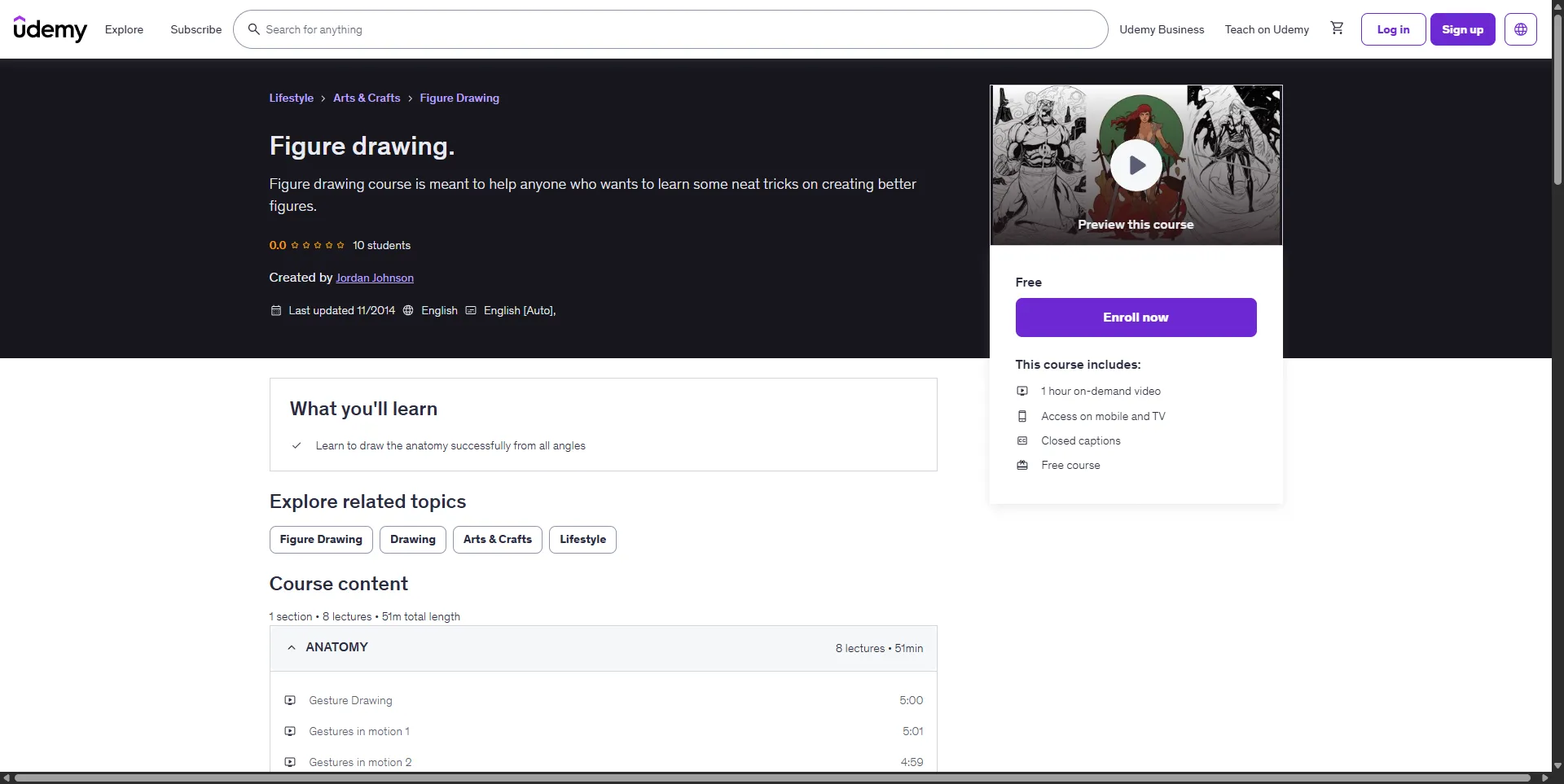
- Versus Ctrl+Paint: Ctrl+Paint is free and covers similar fundamental territory, but it is entirely self-paced with no feedback or Q&A. Digital Painting Fundamentals costs $49.99 but includes live interaction and structured weekly deadlines. If you are highly self-motivated, Ctrl+Paint covers the same core concepts. If you need structure and feedback, this course is worth the investment.
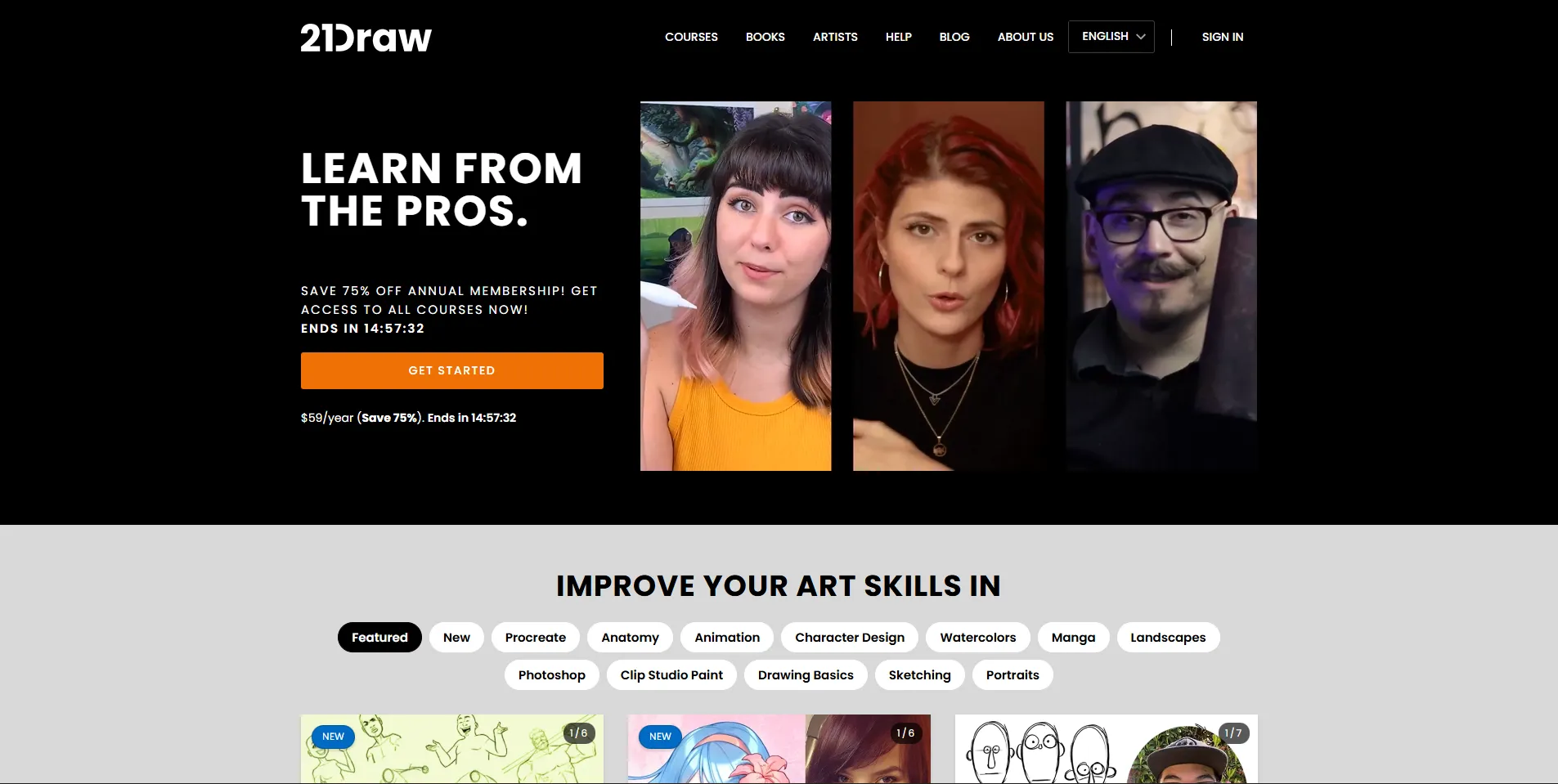
- Versus 21 Draw: 21 Draw offers 70+ courses at $59/year, but the courses are short (7-minute average lessons) with no live component. Digital Painting Fundamentals goes deeper on a single subject with instructor access. If you want breadth across many illustration topics, 21 Draw wins. If you want focused depth on digital painting specifically, this course is more targeted.
- Versus Digital Painting Studio: Digital Painting Studio charges $39/month for self-paced learning paths. Its Intro to Digital Painting course covers similar beginner territory. The main difference is that Digital Painting Fundamentals offers live Q&A and peer feedback, while Digital Painting Studio is self-guided. If you want interaction, this course wins. If you want flexibility and a broader curriculum, Digital Painting Studio is the better choice.
Who Should Take This Course
Traditional artists transitioning to digital are the primary audience. If you already understand art fundamentals but feel lost in digital tools, this course is designed for you. The assumption of existing art knowledge means the course does not waste time re-teaching basic drawing or painting concepts.
Beginners who want structured guidance will also benefit, though the pace may be challenging if you are still developing fundamental drawing skills. The course assumes you can already draw and render form to a basic level.
Who should skip this course: Advanced digital artists. If you are already comfortable with digital tools and looking to specialize in concept art, character design, or entertainment industry workflows, you need CGMA or Brainstorm School, not a fundamentals course.
Insider Tips
- Do not skip the workspace setup lessons in Weeks 1-2. Many self-taught digital artists develop bad habits with file setup, resolution, and color profiles that cause problems later. Getting these fundamentals right from the start saves hours of frustration.
- Participate in the live Q&A sessions. The course price includes live interaction with Sarah Chen. Skipping these sessions means you are getting a pre-recorded course experience while paying for a live one. Come with specific questions about your work.
- Use the peer feedback system. Getting feedback from fellow students is not a substitute for professional critique, but it does help you develop the critical eye needed to evaluate your own work. Engaging with peers' work also accelerates your own learning.
- Complete all 8 weeks. The course is structured so that each week builds on the previous one. Skipping ahead or dropping out after the first few weeks means missing the style development and portfolio work in Weeks 7-8, which is where the earlier lessons come together.
Final Verdict: Who Is This Actually For?
Digital Painting Fundamentals is a solid, well-structured bridge course for traditional artists who want to move into digital painting. The $49.99 price point is reasonable for an 8-week course with live Q&A and peer feedback, and the curriculum covers the right territory without padding.
It is not the cheapest way to learn digital painting fundamentals (Ctrl+Paint covers similar ground for free). It is not the most comprehensive digital art education available (full programs at CG Spectrum or multi-course sequences at CGMA go far deeper). But for traditional artists who need a structured, guided transition into digital tools with instructor access, this course hits the right balance of price, depth, and support.