r/ProCreate: The Subreddit Where iPad Artists Fix What Savage Interactive Won't Explain
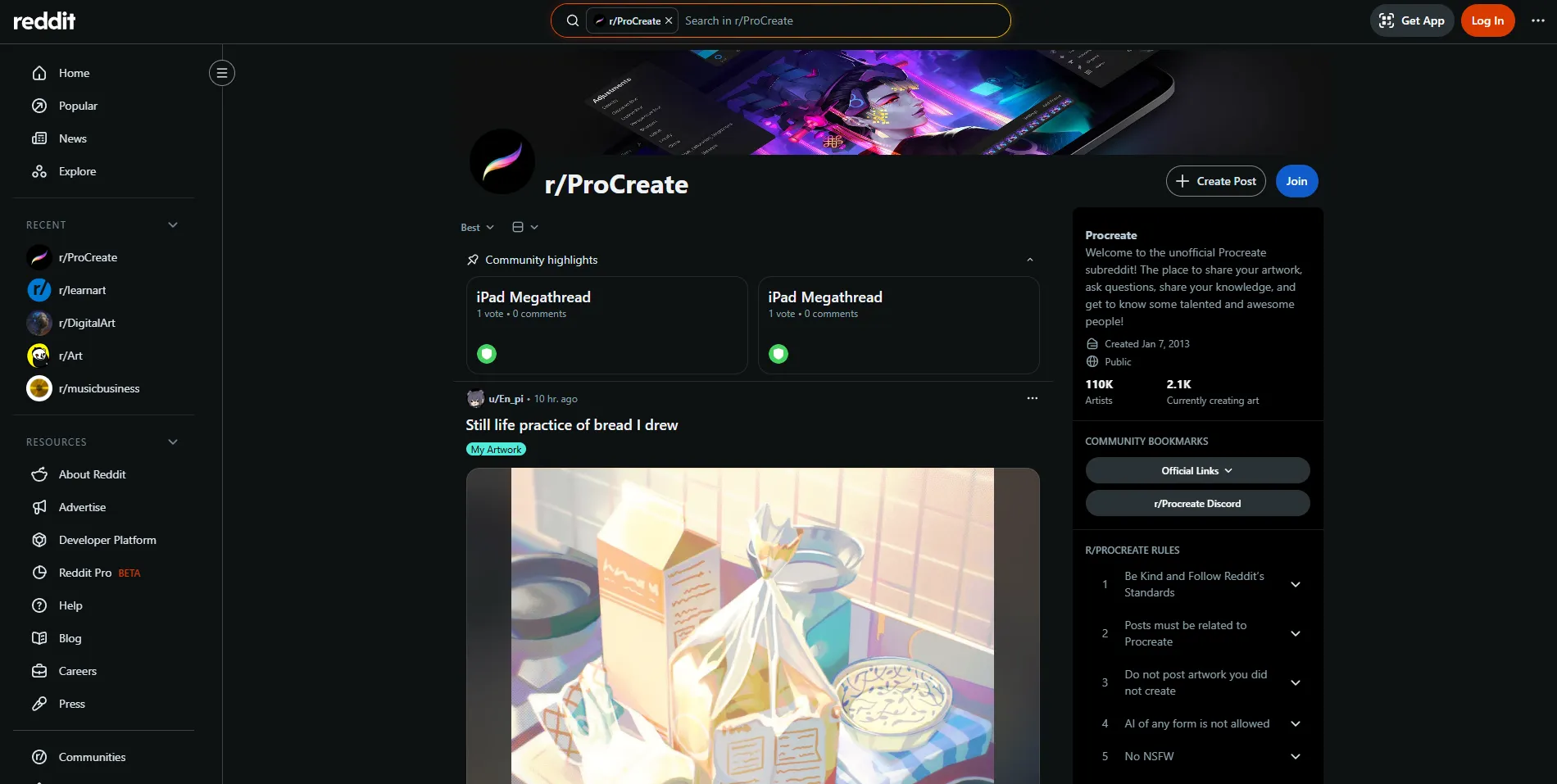
Procreate costs $12.99 once. No subscription, no in-app purchases, no generative AI. That stance alone has made Savage Interactive either a hero or a stubborn holdout in 2026, depending on who you ask. But the app's real support system is not its documentation. It is r/ProCreate, a subreddit with roughly 395,000 members where iPad artists troubleshoot bugs, share custom brushes, debate hardware, and dissect every update the moment it ships.
The community exists because Procreate is powerful but under-documented. The official handbook covers the basics. It does not cover why your brushes disappeared after an update, how to organize 180 new brushes into searchable folders (a feature added in the Procreate 5.4 update in June 2026), or which Apple Pencil Pro features actually matter for drawing versus which are marketing fluff. r/ProCreate fills those gaps with crowd-sourced answers that are often more accurate and always more current than anything official.
The Brush Economy: Free Tools That Rival Commercial Packs
The single most valuable thing r/ProCreate offers is its brush-sharing culture. Members create and distribute free brush sets that simulate traditional media with a fidelity that frequently matches or exceeds Procreate's default library. You will find specialized sets for comic inking, watercolor bleeding, charcoal texture, foliage painting, hair rendering, hand lettering, and dozens of other specific applications.
The 5.4 update in June 2026 added 180 new default brushes and a complete brush management overhaul, finally letting users search by name and organize custom collections in folders with iCloud sync. Before 5.4, brush management was Procreate's messiest corner. The subreddit had been workarounding this problem for years with shared organizational systems and naming conventions. Now that the app has caught up, the community has shifted to sharing curated folder structures and migration guides for moving old brush sets into the new library system.
Insider tip: If you are upgrading to Procreate 5.4 from an older version, check r/ProCreate before you do anything with your existing brush sets. Several users reported that custom brushes disappeared during the update. The community has documented the recovery process, which involves re-importing from iCloud or your original .brushset files. Do not assume the update will preserve everything cleanly.
Workflow Tips You Will Not Find in the Manual
The subreddit's technique discussions cover the gap between what Procreate can do and what most users know it can do. Members share layer management strategies, canvas size and DPI recommendations for print versus web versus social media, color management approaches, and export settings that produce clean results without surprise compression artifacts.
The 5.4 update also added an eyedropper active layer option, which lets you sample color from only the layer you are working on instead of the entire canvas. The community flagged this as one of the most useful quality-of-life improvements in years, especially for artists who work with complex multi-layer compositions. Multi-layer selection (group, merge, duplicate, and share multiple layers at once) was another addition that the subreddit dissected in detail, with users sharing specific workflows for how to integrate these features into existing processes.
Advanced discussions cover animation timeline controls, 3D model painting, time-lapse export settings, and integration with other iPad apps like Affinity Photo and Linearity Curve (formerly Vectornator). These threads are where the subreddit earns its keep. You get specific, tested advice from artists who have actually used these features under deadline pressure.
Hardware Debates: Which iPad, Which Pencil, Which Screen Protector
r/ProCreate is one of the best sources on the internet for iPad hardware advice specifically oriented toward digital art. General tech reviews evaluate iPads as consumption devices. This subreddit evaluates them as drawing surfaces.
Recurring debates cover whether the iPad Pro's 120Hz ProMotion display justifies the price premium over iPad Air for drawing (the consensus: yes for professional work, no for hobbyists), how the Apple Pencil Pro compares to the Apple Pencil 2 for drawing feel (the Pro's barrel roll and squeeze features are useful for some workflows but gimmicky for others), and which screen protectors provide paper-like texture without degrading display quality (Paperlike is the most discussed brand, with strongly divided opinions).
Insider tip: If you are buying an iPad specifically for Procreate, search r/ProCreate for threads about your exact model. Performance varies significantly between iPad generations, and the community has documented specific issues like canvas size limits, layer count restrictions based on available RAM, and brush lag on older models running newer Procreate versions.
How It Compares to Other Procreate Communities
r/ProCreate is not the only Procreate community online, but it is the most active and the most useful for problem-solving. The official Procreate Forums are quieter and more heavily moderated, with Savage Interactive staff occasionally participating. They are better for official feature requests and bug reports but worse for rapid community troubleshooting.
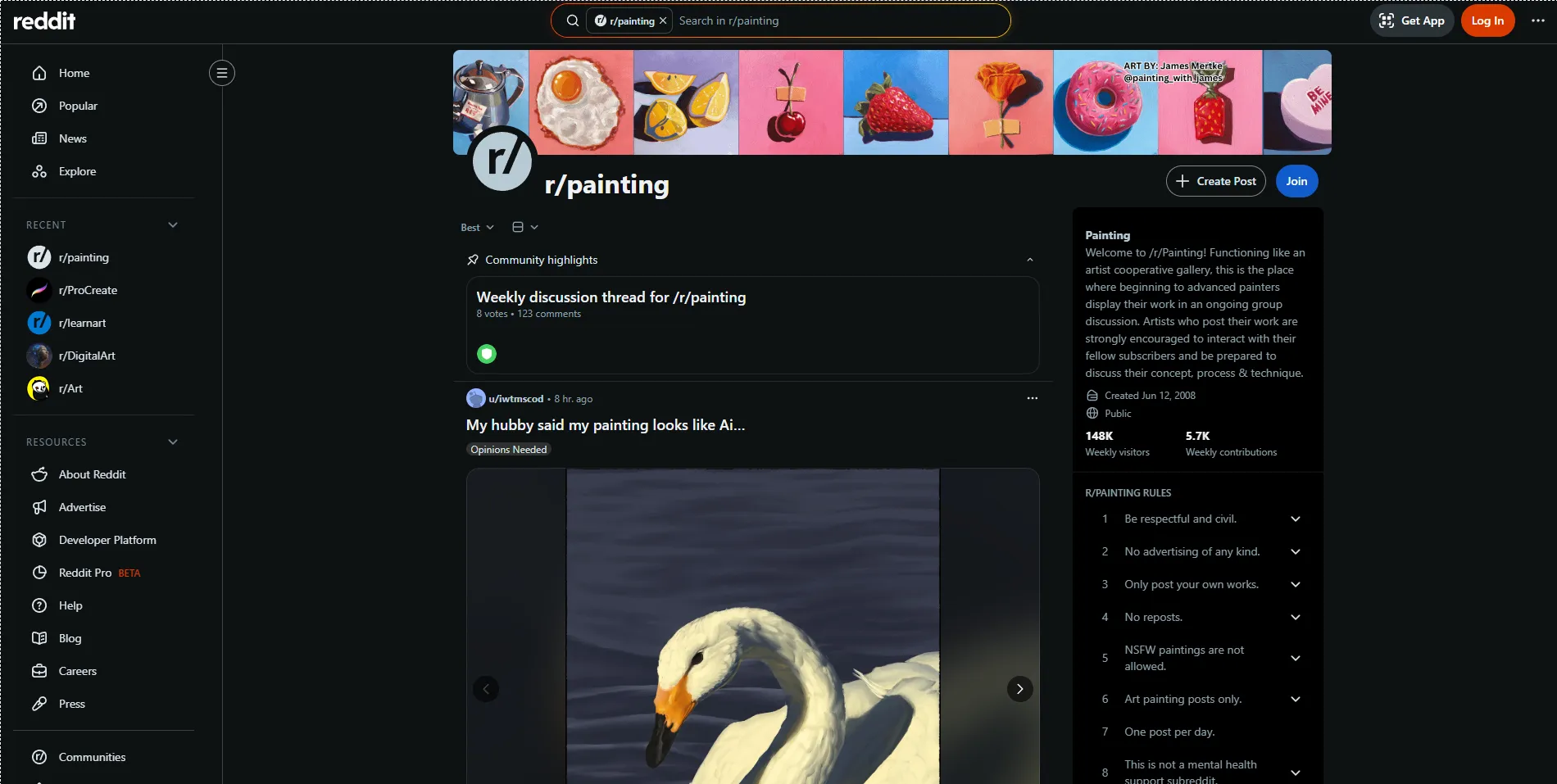
On Reddit, r/DigitalArt covers Procreate alongside all other digital art tools, with 1.5 million members, but the Procreate-specific content there is diluted by the broader focus. r/learnart covers fundamentals and education, with some Procreate content for beginners, but it is not Procreate-focused.
For Procreate users specifically, r/ProCreate is the right tool for the job. The signal-to-noise ratio is high, the community is large enough to generate rapid responses, and the accumulated knowledge in old threads is searchable and surprisingly durable.
Beginner Culture: Surprisingly Patient
Despite the technical depth of many discussions, r/ProCreate is notably welcoming to beginners. The app's $12.99 price point and iPad-only simplicity make it many people's first digital art tool, and the community recognizes this. Basic questions about how to use layers, what canvas size to choose, or how to export a high-resolution file receive patient, detailed answers rather than dismissive redirects to a wiki.
The community uses post flairs effectively: "I need Procreate technical help," "Constructive feedback and/or tips wanted," "Looking for brush/tutorial/class recommendations," and "Art timelapse video" are common. This flair system helps users find relevant content and helps the community route questions to the people most likely to answer them well.
Regular "how did they do that?" threads, where members ask about techniques visible in posted artwork, create educational conversations that benefit beginners and intermediate users alike. These threads reveal the specific Procreate features, brush settings, and techniques behind impressive artwork, making professional-looking results feel achievable rather than mysterious.
The AI Question
Savage Interactive's August 2024 announcement that Procreate would never add generative AI remains a frequent topic on r/ProCreate. In 2026, with AI features now standard in Photoshop, Fresco, and even Apple's own apps, the community's position is divided but generally supportive of the stance. Many members specifically chose Procreate because it does not include AI generation tools, and they view the subreddit as a space for human-created art without the AI contamination that has flooded other platforms.
This positions r/ProCreate alongside communities like Cara in the anti-AI art space, though the subreddit itself does not have an explicit anti-AI rule. The culture simply reflects the values of the app's user base.
Final Verdict: Who Is This Actually For?
r/ProCreate is essential if you use Procreate regularly. The brush-sharing alone justifies the subscription to the subreddit, and the troubleshooting knowledge base is irreplaceable. Professional illustrators will find workflow optimization discussions and hardware guidance that directly affects their productivity. Beginners will find a patient community that answers basic questions without condescension.
It is not for you if you are looking for a general digital art community. r/DigitalArt serves that purpose better. And if you want to compare Procreate against other iPad art apps like Adobe Fresco or ibis Paint, the subreddit will be biased toward Procreate by definition.
Visit r/ProCreate to join the community, or browse the top posts of all time to get a sense of what the subreddit offers. For related resources, see our profiles on Procreate, Procreate Dreams, and r/DigitalArt.