Sarah Renae Clark: Colour Theory Without the Art School Price Tag
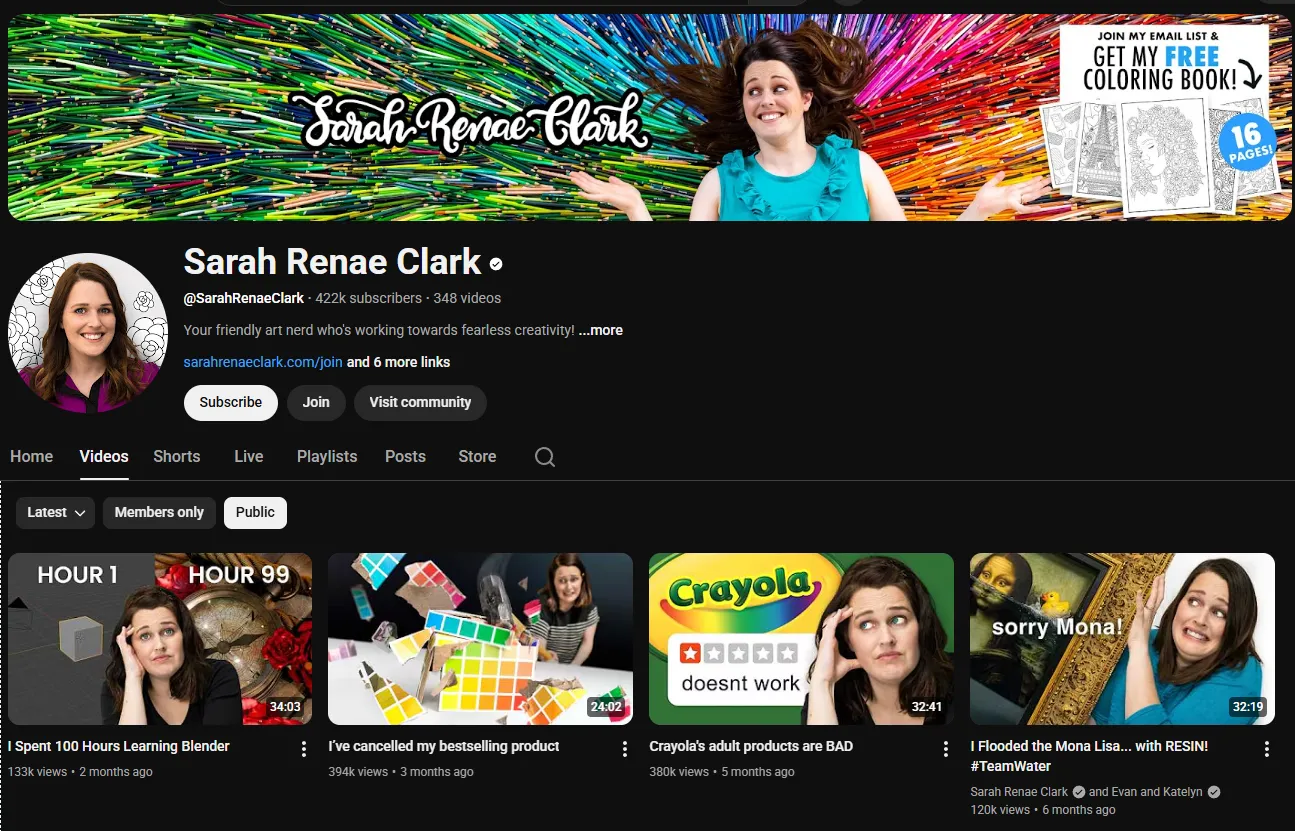
Most colour theory content on YouTube is either too abstract to use or too basic to matter. Sarah Renae Clark splits the difference. Based in Australia, she has built a 441,000-subscriber channel around a simple proposition: colour should be practical, not theoretical. You do not need to understand the Munsell color system to pick a palette. You need someone who has already curated 500 of them and can show you how to use them in Procreate.
That proposition has turned into a business. Her Color Catalog and the physical Color Cube product have become go-to resources for digital artists who want professionally curated palettes without spending hours mixing and testing combinations. The catalog now includes 500 palettes across two volumes, with a new Digital Colour Cube 2nd Edition adding 585 new palettes and 415 favorites from the original collection.
What Makes the Channel Work
Colour as the Subject, Not the Afterthought
Most art tutorials mention colour as a secondary concern. They teach you how to use Procreate's brushes, how to layer, how to blend, and then say "pick colours that look good." Sarah flips this. Colour is the primary subject. Her tutorials show you exactly how to choose a limited palette, why those specific colours work together, and what happens when you swap one colour for another.
This approach is grounded in how professional illustrators actually work. They do not pick colours from a full wheel for every element. They select a defined palette and work within it, which creates visual cohesion. Sarah teaches this workflow explicitly, and her Color Catalog product gives you the palettes to execute it.
Procreate Tutorials for Beginners
Sarah's digital tutorials focus on Procreate on iPad, and they are aimed at beginners and intermediate artists. She walks through complete illustration processes from sketch to final render, explaining colour choices at each stage. The tutorials are not overly technical. She focuses on creative decisions rather than software mechanics, which means they age well even as Procreate updates its feature set.
Her brush recommendation videos are practical and based on personal use. She covers custom brush creation in several tutorials, showing how to build brushes for specific illustration needs rather than demonstrating every option in Procreate's brush studio.
Adult Colouring as an Entry Point
Sarah's channel includes substantial adult colouring content, covering both traditional coloured pencils and digital colouring in Procreate. This is not a sideline. It is how many of her viewers found the channel, and it serves as a low-barrier entry point for complete beginners who want to practice colour application without needing to draw first.
The adult colouring tutorials address specific techniques: shading, blending, colour choices that make colouring pages look finished rather than flat. For viewers who start with colouring and move on to illustration, Sarah provides a natural progression path.
The Color Catalog Business
The Color Catalog deserves attention because it is the commercial engine behind the channel and a genuinely useful product. Each volume contains 250 curated palettes organized by theme: ocean life, autumn, Christmas, cityscapes, animals, and more. The palettes include hex codes for digital use and pencil and marker reference numbers for traditional work.
The new Digital Colour Cube 2nd Edition expands this to an interactive digital experience with 585 new palettes and 415 favorites from the first edition. There is also a physical Color Cube product: a card-based format that lets you hold the palettes in your hands, with each card matching the digital catalog exactly.
For artists who struggle with colour selection, these products solve a real problem. They are not a substitute for understanding colour theory, but they bridge the gap between theory and practice in a way that most educational content does not.
How It Compares to Other Colour and Illustration Channels
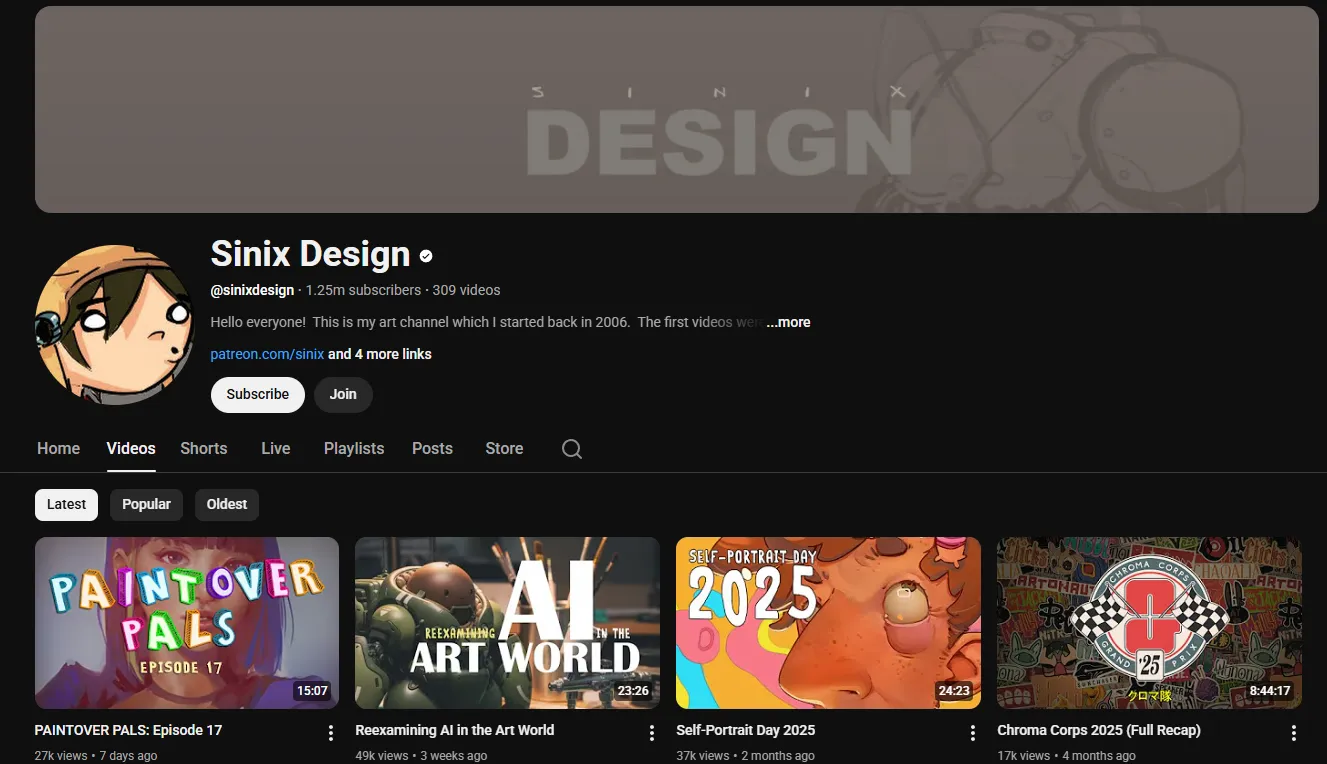
Sarah occupies a different niche from most art education channels on YouTube. Proko teaches anatomy and figure drawing with academic rigor. Sinix Design covers design theory and visual appeal for intermediate artists. Sarah is the channel for beginners who want to make their work look good without first spending months on fundamentals.
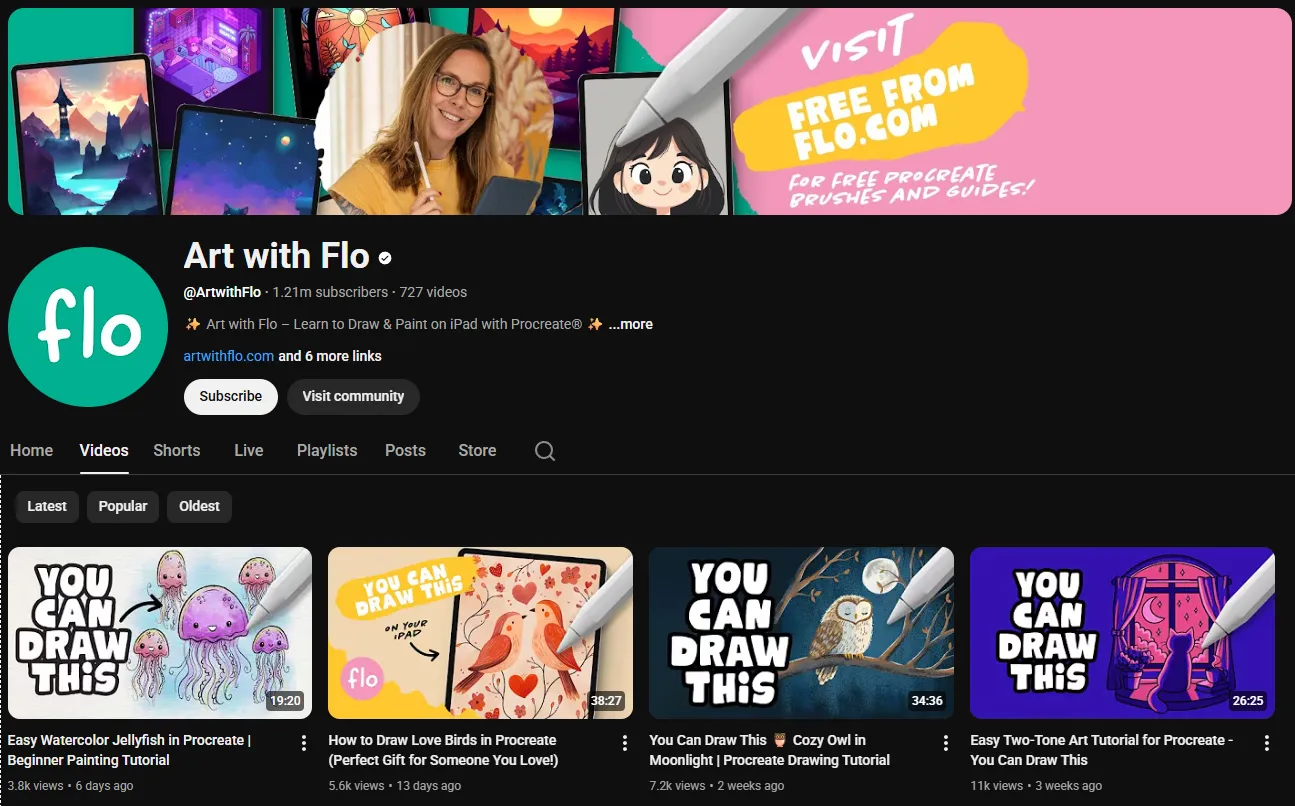
The closest comparison might be Art with Flo, which also teaches Procreate tutorials for beginners. Flo's content is more focused on step-by-step replication of specific illustrations, while Sarah's is more focused on colour theory and palette selection as transferable skills. If you want to copy a painting stroke by stroke, watch Flo. If you want to understand why certain colours work together and build your own palette instincts, watch Sarah.
Who Should Watch
Beginners who find colour intimidating will find Sarah's approach accessible and practical. She breaks colour theory down into actionable steps without academic jargon.
Procreate users at beginner and intermediate levels get clear, complete tutorials that focus on creative decisions rather than software mechanics.
Adult colouring enthusiasts get dedicated content that addresses their specific techniques and colour challenges, with a clear path toward broader illustration skills.
Artists building a creative business can learn from Sarah's own experience. Her content on selling digital products, building an audience, and pricing creative work is grounded in direct experience rather than generic advice.
Who Should Skip It
Advanced artists who already understand colour theory and palette construction will find the content too basic. The colour tutorials assume no prior knowledge, and the Color Catalog is designed for people who want curated palettes, not for artists who build their own.
Traditional media artists who do not work digitally will find limited value. Most tutorials are Procreate-specific, and the Color Catalog products are primarily designed for digital workflows, though the physical Color Cube does include pencil and marker references.
Insider Tips
- The Color Catalog is worth the investment if you regularly struggle with colour selection. Start with Volume 1 and see if the palette format works for your process before buying both.
- Sarah's art business videos are scattered across the channel rather than organized into a playlist. Search for "art business" or "sell digital products" on her channel to find them.
- Her Australian perspective is a genuine differentiator. The colour palettes often reflect Australian light conditions and natural environments, which gives them a character distinct from the predominantly North American and European palette collections available elsewhere.
- The adult colouring tutorials are not just for colouring book users. The colour application techniques transfer directly to illustration work, making them useful even if you never touch a colouring book.
Final Verdict: Who Is This Actually For?
Sarah Renae Clark has built a channel that makes colour theory approachable without dumbing it down, and a product line that bridges the gap between understanding colour and actually using it. For beginners who want to develop confident colour choices in Procreate, for adult colouring enthusiasts looking to level up, and for artists who want curated palettes without spending hours on colour theory, her channel and Color Catalog are practical, well-executed resources. For advanced artists who already have their colour workflow sorted, there is less here for you.
Start with her colour theory playlist and check out the Color Catalog if you want ready-made palettes for your next project.