The Louvre's official app offers "more than 1000+ Louvre Artworks" with interactive maps, self-guided tours, and the ability to search artworks "not only by names, but also by exhibition Room locations." The Acropolis Museum offers a free digital guide, developed with Smartify, that lets visitors "scan exhibits with your phone's camera and instantly view information, images, and descriptions in Greek or English, with automatic translation into 29 languages." The Ashmolean Museum in Oxford hosts its audio guides on Smartify, where they "can be enjoyed at the Museum or from the comfort of your own home." The Andy Warhol Museum's "Out Loud" app uses "bluetooth low-energy beacons to show visitors stories based on their location." Museum apps have come a long way from the clunky rented audio wands of the 2000s. In 2026, most major museums offer smartphone-based guides, free, interactive, and packed with content that the wall labels cannot hold. The problem is not the technology. It is the experience. Audio guides can be boring. The monotone narrator, the endless dates and dimensions, the feeling of being lectured at while standing in front of a painting you want to look at, this is the audio guide experience that most people remember. It does not have to be that way.
Museum apps and audio guides are tools, and like any tool, they work well when used well and poorly when used poorly. The key is not to let the app dictate the visit. The app is a supplement, not a substitute, for looking at art. This guide covers how to use museum apps and audio guides without getting bored: the major museum apps (Louvre, Met, Smartify), how to use them effectively (before, during, and after the visit), QR codes and accessibility, the problem with traditional audio guides and how to fix it, and when to put the phone away.
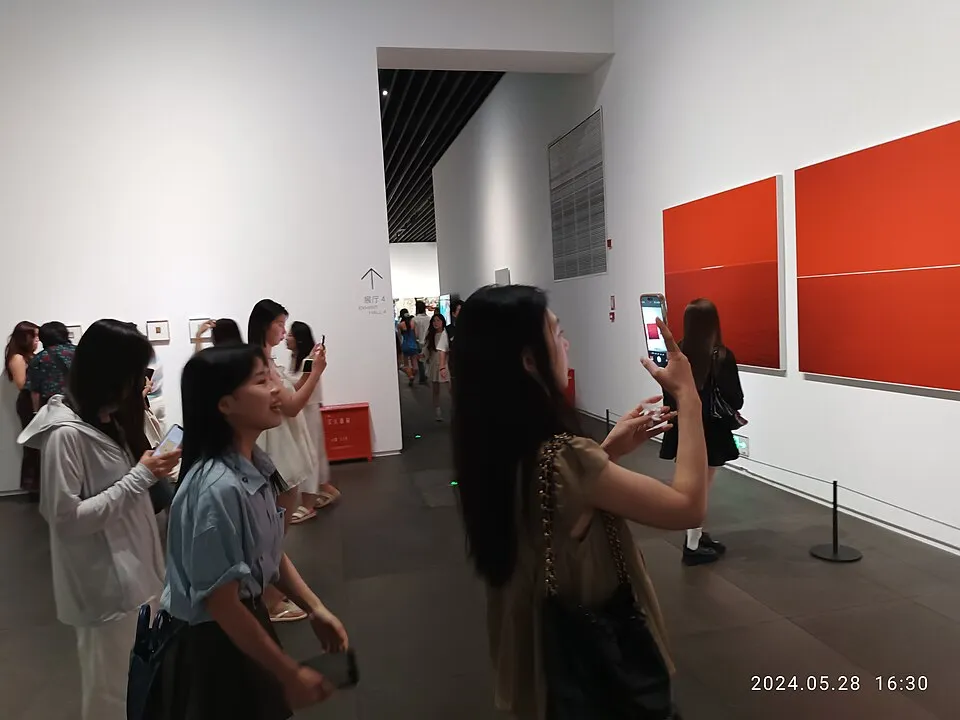
A museum visitor using a smartphone. In 2026, most museums offer audio guides via smartphone apps, so visitors can explore the exhibits in an interactive and user-friendly way. Image via Wikimedia Commons.
The Major Museum Apps in 2026
Smartify is the universal museum app. As of 2026, Smartify partners with over 1,200 cultural organizations worldwide, including more than 700 museum partners such as the National Gallery, the Acropolis Museum, the Tower of London, the Ashmolean, and the Kunsthistorisches Museum. The app supports over 42 million visitors annually and offers multilingual support across more than 35 languages with AI translation. The app lets you scan artworks with your phone's camera to access information, audio commentary, and descriptions. "Scan exhibits with your phone's camera and instantly view information, images, and descriptions." Smartify also works from home. You can browse collections and listen to audio guides without visiting the museum.
The official Louvre app offers "detailed interactive maps that use geolocation to track your position across every wing and floor." The app includes "curated tours that guide you to must-see works with rich contextual information about the art and artists." More than 1,000 artworks are catalogued, searchable by name and room location. The Metropolitan Museum of Art's app offers audio guides for thousands of artworks, organized by exhibition and theme. The Met's audio content is also available on the Met's website and through podcast platforms, making it accessible without the app. Many museums have their own apps. The Andy Warhol Museum's "Out Loud" uses Bluetooth beacons for location-based content. The Wien Museum's web app uses QR code access with "themed tours, provides information in multiple languages, including simple language and sign language." The Kawamura DIC Museum of Art app covers 37 artworks with explanations.
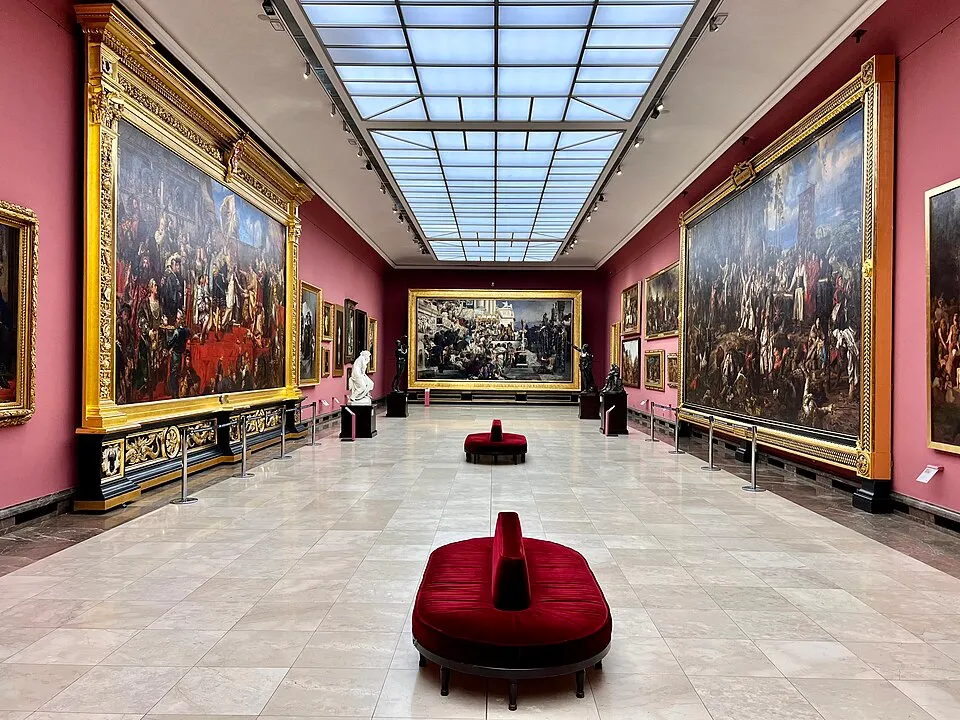
A museum gallery. The best museum apps combine wayfinding, audio commentary, and contextual information, turning a passive walk through galleries into an interactive, self-paced learning experience. Image via Wikimedia Commons.
The verdict is simple. If you visit one museum, use that museum's app. If you visit multiple museums, use Smartify. It works everywhere. For the basics of looking once you are inside, see our guide on how to look at art.
How to Use Museum Apps Effectively: Before, During, and After
Before the visit, download the app at home, while you have Wi-Fi. Browse the collection. Pick 3 to 5 artworks you want to see. Listen to the audio commentary for those artworks before you arrive, so you know what to look for when you are standing in front of them. Check the interactive map for the locations of your chosen artworks. Plan a route. The Louvre has 35,000 artworks on display across 73,000 square meters. Without a plan, you will wander. With a plan, you will see what you came to see.
During the visit, use the app for wayfinding and for specific artworks, not for every artwork. The mistake most people make is listening to the audio guide for every single painting, which turns the visit into a lecture tour. Instead, look at the art first. Form your own impression. Then, if you want more context, listen to the audio guide. The audio guide should supplement your looking, not replace it.
After the visit, use the app to revisit what you saw. Smartify lets you "save any audio guide by clicking on the small 'heart' icon," creating a personal collection of artworks and audio commentary. The Wien Museum app lets you "create personalized audio playlists" that you can "listen to at home at your leisure and share with friends." The post-visit review is where the learning consolidates. You saw the art, you heard the commentary, and now you can reflect on both. For a structured way to keep learning after the visit, see our guide on how to teach yourself art history.
QR Codes and Accessibility
Many museums have replaced dedicated audio guide devices with QR codes. "Scan the QR code displayed at various points in the Museum. Open the link on your smartphone screen. Download the Smartify app or use it directly via your web browser. Select language and your preferred tour format. Enjoy an interactive museum experience at your own pace," as the Acropolis Museum puts it. The QR code approach is low-friction. No app download is required in many cases, no device rental, no deposit.
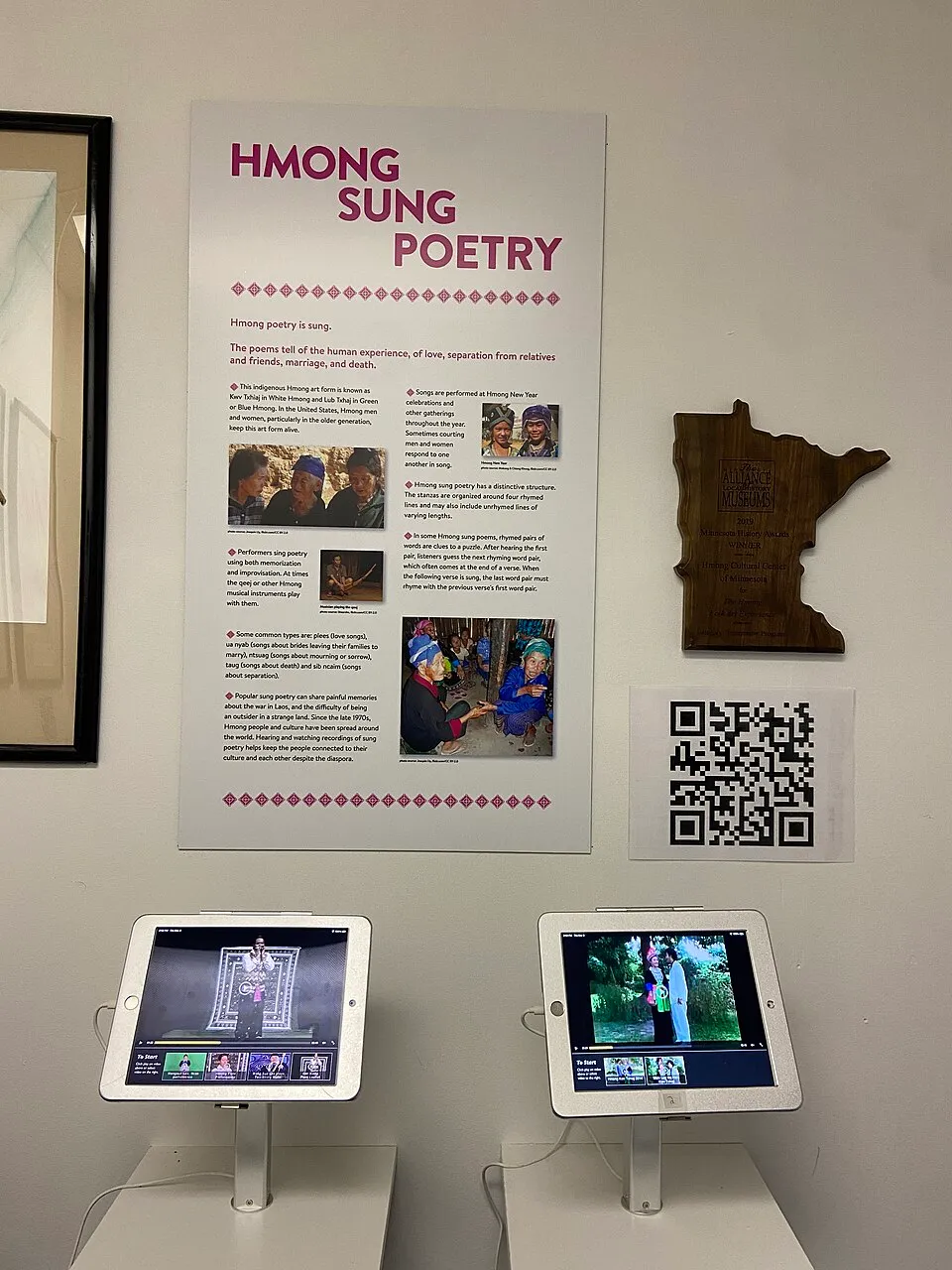
QR codes in museums. Many museums now use QR codes as the entry point to audio guides. Scan the code to access content without downloading an app. Image via Wikimedia Commons.
Museum apps have made art accessible to visitors with disabilities in ways that were not possible before. The Andy Warhol Museum's "Out Loud" app is "designed to be inclusive of users across abilities. For users who are blind or have low vision, the app is optimized to work with VoiceOver and Dynamic Type. The app also offers in-depth visual descriptions of Warhol artworks." The Wien Museum app offers "audio in simple language and sign language" and "adjustment of the text size using a slider." The Ashmolean notes a visitor response: "I had a really nice time. It was good to have the Smartify app to listen to as we went around the exhibition. This was especially great for me because I find it difficult to read the small text on wall labels." QR codes and accessibility features have made museum apps not just convenient but genuinely transformative, for visitors with disabilities, for non-native speakers (35+ languages on Smartify), and for anyone who finds wall labels hard to read. This connects to the wider role of museums in art and society.
The Problem with Traditional Audio Guides, and How to Fix It
Traditional audio guides are lectures. A narrator tells you what to think about an artwork, in a monotone, with dates and dimensions. The format is passive. You listen, you nod, you move to the next artwork. There is no room for your own response, your own questions, your own interpretation. The audio guide tells you what the artwork means before you have had a chance to figure out what it means to you.
The first fix is to be selective. Do not listen to every audio stop. Pick 3 to 5 artworks that interest you and listen to those. Skip the rest. The audio guide is a menu, not a syllabus. You choose what to consume. The second fix is to look first, listen second. Stand in front of the artwork. Look at it for 30 seconds. Form an impression. What do you see? What do you feel? What questions do you have? Then listen to the audio guide. The audio guide will answer some of your questions and raise others, but now you are listening actively, not passively, because you have already engaged with the artwork.
The third fix is to use the family tour. Many museums offer family-friendly audio tours that are more engaging than the adult version. The Acropolis Museum offers "a family-friendly tour designed as a fun, engaging exploration game for parents and kids (90 minutes)." Family tours are designed to be interactive, not lecturing, and they are often better for adults who find traditional audio guides boring. The fourth fix is to make your own tour. Some apps let you create your own audio playlist. The Wien Museum app allows "the creation of personalized audio playlists." You choose the artworks, the app creates the tour. This turns the audio guide from a lecture into a self-directed exploration. For more on engaging with art actively, see our guide on how to look at art and our list of the best art podcasts.
When to Put the Phone Away
The app is a tool, not the experience. The experience is the art, the painting, the sculpture, the cathedral. The app provides context, but context is not a substitute for looking. If you spend the entire visit staring at your phone, you have missed the point of visiting a museum.
Use a ratio. For every minute you spend on the app, spend three minutes looking at the art. If you listened to a 2-minute audio commentary, spend 6 minutes looking at the artwork. The ratio ensures that the app serves the looking, not the other way around. The exception is the museum you may never return to. If you are visiting the Louvre, the Uffizi, or the Prado for the only time in your life, you may want to use the app more intensively, because this may be your only chance. But even then, remember: the memory you take home is of the art, not of the app.
Try visiting a museum without the app at all. No audio guide, no map, no commentary. Just you and the art. Walk. Look. Sit. Look longer. The phone-free visit is not better than the app-assisted visit. It is different. It is quieter, more personal, and more demanding. Try it at least once. You may be surprised by how much you see when nobody is telling you what to look at. For guided approaches that do not need a screen, see our guide on how to look at art and our piece on teaching art to children, which works for adults too.
Final Thoughts
Museum apps in 2026 are better than ever. The Louvre app offers "more than 1000+ Louvre Artworks" with interactive maps and geolocation. Smartify works with over 1,200 cultural organizations in 35+ languages and supports over 42 million visitors a year. The Acropolis Museum's free guide lets visitors "scan exhibits with your phone's camera and instantly view information, images, and descriptions." The Andy Warhol Museum's "Out Loud" app uses Bluetooth beacons for location-based content and is "optimized to work with VoiceOver and Dynamic Type" for blind and low-vision users. The Wien Museum app offers "audio in simple language and sign language." QR codes have replaced rented devices at many museums. Scan the code for instant access, no app download required.
The key to using museum apps without getting bored is selectivity. Pick 3 to 5 artworks. Look first and listen second. Use family tours, which are more engaging than adult versions. Create your own playlists when possible. The ratio rule, for every minute on the app, spend three minutes looking at the art, ensures the app serves the looking, not the other way around. And try at least one phone-free visit. The memory you take home is of the art, not of the app. Next time you visit a museum, download the app before you arrive. Pick 3 artworks. Listen to the commentary at home. When you arrive, go to those 3 artworks first. Look at each one for 30 seconds before you listen. Then listen. Then look again, for 6 minutes. Then put the phone away and explore the rest of the museum on your own. The app gave you the context. Now give yourself the experience. For reference, see the Mooseum guide to the best museum apps, the Acropolis Museum digital guide, and the Ashmolean audio guides.