Freepik (Now Magnific): 250 Million Assets Plus AI Generation Under One Roof
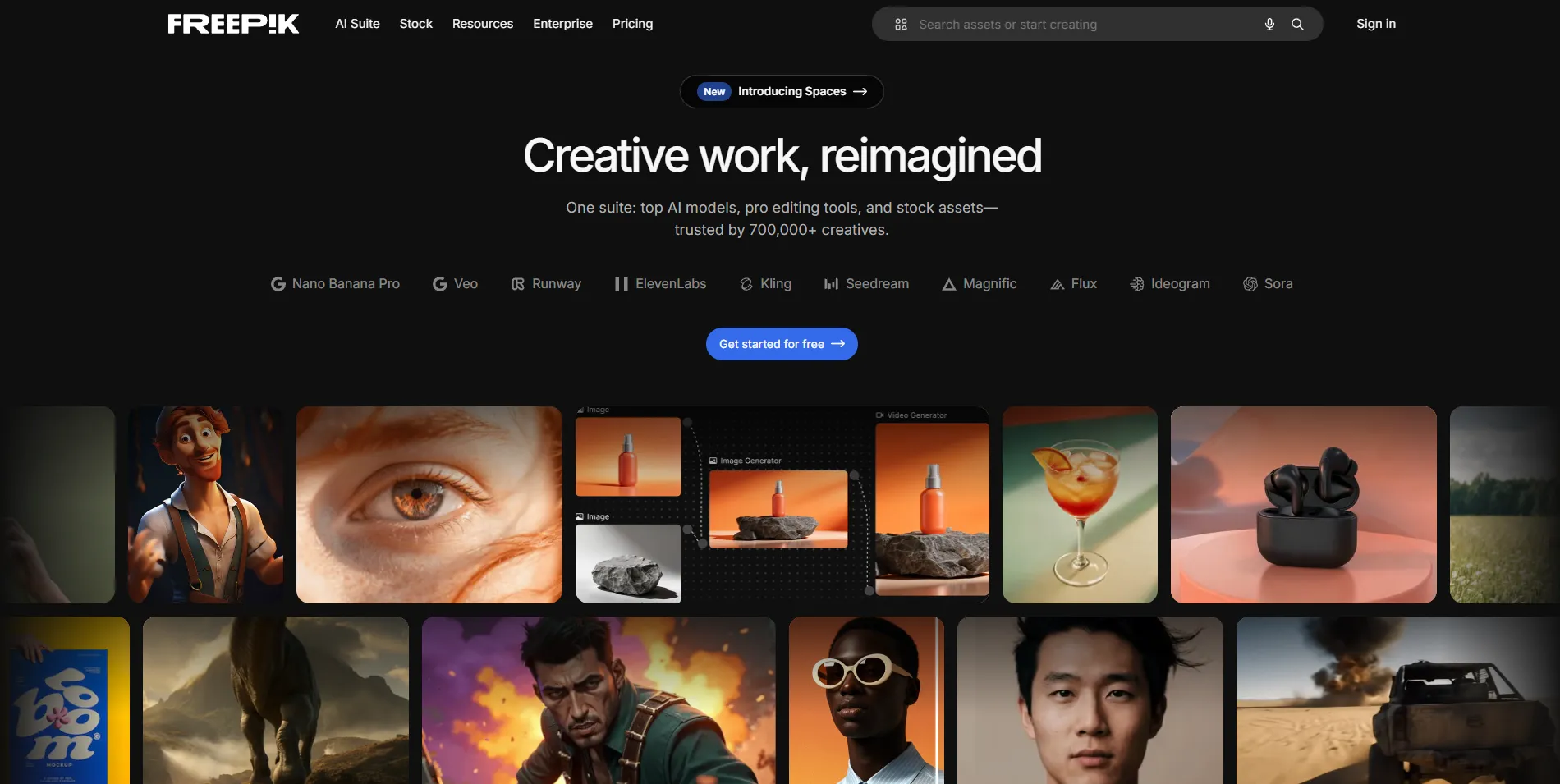
On April 28, 2026, Freepik rebranded its AI platform to Magnific, folding the upscaler brand it had previously acquired into the company name. If you searched for Freepik AI and landed on magnific.com, you are in the right place. Your account, library, and subscriptions carried over. What changed is the plan structure, the credit rules, and the packaging.
The stock asset side still operates under the Freepik brand. The AI generation side now lives under Magnific. Together, they offer 250 million+ premium stock assets (vectors, photos, PSDs, videos, icons, 3D, mockups) alongside multi-model AI generation for images, video, and audio. No other platform combines this much stock content with this many AI models at this price point. But the credit system has quirks that will cost you money if you do not understand them.
What Actually Changed with the Magnific Rebrand
The rebrand was not cosmetic. Freepik the stock-asset brand and Freepik the AI platform had diverged, and Magnific had stronger pull with the AI-creator audience the company wanted to reach. The practical changes for users are plan structure and credit rules, not the tooling itself.
Before the rebrand, Freepik offered "unlimited" AI generation on higher tiers. In April 2026, credits were reintroduced for premium models. Unlimited generation now applies only to a set of roughly 10 specific image models on Premium+ and Pro plans, reportedly including Nano Banana 2, Flux.2 Pro, Seedream 5.0 Lite, and Kling 2.5. The newest premium models draw from your credit pool, while the designated unlimited set stays credit-free on higher tiers.
The key takeaway: before upgrading for "unlimited," check whether the models you actually use are on the unlimited list or the credit-metered list. The marketing word and the model-level reality are different things.
Pricing: What It Costs in 2026
Four paid tiers, with annual billing setting the headline rates:
| Plan | Price (annual) | Credits | Notable feature |
| --- | --- | --- | --- |
| Premium | $14.50/mo | 240K credits/year | Standard individual tier |
| Premium+ | $33.75/mo | 600K credits/year | Unlimited generation on ~10 models |
| Pro | $210/mo | 4M credits/year | Volume tier for heavy production |
| Business | $55/seat/mo | 600K credits/seat/year | Team management and shared pools |
The free tier gives you 10 downloads per day with attribution required, limited access to basic AI tools, and no premium stock content.
Two credit rules decide your real cost. Plan credits do not roll over: unused monthly allocation expires each billing cycle. Separately purchased extra credits last 3 years but can only be bought by Premium+, Pro, and Business subscribers. If your usage is spiky, a smaller plan plus occasional extra-credit purchases can beat a bigger plan whose allocation you waste in quiet months.
The Stock Asset Library
Freepik's stock library has grown from its original vector-only focus to 250 million+ premium assets. The vector library remains the platform's strongest differentiator. Millions of editable vector files in AI, EPS, and SVG formats can be opened and customised in Adobe Illustrator, Affinity Designer, or any compatible vector editor. This editability is the core value: rather than using a fixed photograph, designers can download a vector and adjust colours, shapes, text, and composition to match brand requirements.
PSD files and mockups let designers place artwork into realistic contexts (phone screens, laptop displays, packaging, clothing) without photographing physical products. The mockup collection is particularly useful for portfolio presentations and e-commerce imagery.
Stock photography covers business, lifestyle, nature, technology, food, and dozens of other categories. The photography library does not match the volume of dedicated platforms like Shutterstock or Adobe Stock, but it provides adequate coverage for most design projects when combined with the platform's other resource types.
3D renders and icon sets reflect current design trends toward dimensional, tactile visual elements. These are ready-made assets that would be time-consuming to create from scratch.
The AI Tools: Magnific
The AI platform spans image generation across multiple models, video generation, audio tools, and upscaling. Credit costs vary by tool and model:
- AI image generation: Standard models cost 5 to 100 credits per generation. Premium models with higher resolution can cost 500+ credits. On Premium+ and Pro plans, most image generation models are included in unlimited generation.
- AI video generation: The most credit-intensive category. Costs range from 200 credits for short, basic clips to 3,000+ credits for longer, higher-quality videos from premium models.
- Editing tools (Retouch, Restyle, Background Remover, etc.): 25 to 200 credits per action.
- Magnific Upscaler: Classic upscaling starts around 50 credits. Magnific Creative and Precision upscaling at higher resolutions can cost 200 to 1,000+ credits.
- Audio tools (AI Voice Generator, Music Generator, Sound Effects): 25 to 300 credits per generation.
The Topaz Video Upscaler is also included across all paid plans, which is a genuine value-add if you work with video.
Freepik vs. Competitors
Freepik vs. Shutterstock
Shutterstock offers a larger overall photography library with more rigorous quality control, but at significantly higher prices ($29 to $199/month). Freepik's free tier and $14.50/month premium make it dramatically more accessible for freelancers, students, and small businesses. Shutterstock does not include AI generation tools at its base price.
Freepik vs. Adobe Stock
Adobe Stock integrates seamlessly with Creative Cloud applications but requires an Adobe subscription plus per-image or monthly licensing fees. Freepik's flat-rate premium with 100 downloads per day and included AI tools provides more predictable pricing for high-volume users.
Freepik vs. Canva
Canva provides an integrated design tool with built-in templates. Freepik provides downloadable resources for use in professional design applications. For designers who work in Illustrator, Photoshop, or Affinity, Freepik's editable files are more flexible than Canva's browser-based editor. Canva is better for non-designers who need an all-in-one tool.
Insider Tips
Check the unlimited model list before upgrading. If your favourite models are on the credit-metered list, "unlimited" will not save you what you expect.
Use annual billing if your usage is consistent. Annual plans give you all credits upfront. If your usage is spiky, monthly billing plus extra credit purchases may be cheaper than annual plans where you waste credits in quiet months.
The contributor program pays for versatile assets. Illustrators who create commercially useful vectors and PSDs can earn passive income through Freepik's contributor program. The platform's 100 million+ monthly visitors mean high download potential.
Flaticon Premium is bundled with paid plans. If you use icon sets, this alone offsets part of the subscription cost.
Who Is This For?
Freepik/Magnific is for graphic designers, marketers, and content creators who need a high volume of editable stock assets plus AI generation in one subscription. It is for freelancers and small businesses who cannot justify Shutterstock or Adobe Stock pricing. It is for illustrators who want passive income through the contributor program.
It is not for you if you only use one AI model family (subscribe to that model's native platform instead), if you need full ownership of an open pipeline (run open-weight models locally), or if your usage is too light to burn 240K credits annually. The no-rollover rule makes light usage expensive per-generation.
Getting Started
Try the free tier first to test the stock library and basic AI tools. If you need premium stock content and AI generation, the Premium plan at $14.50/month is the entry point. For unlimited generation on select models, you need Premium+ at $33.75/month. Review the credit costs documentation before committing to a plan to understand exactly what your usage will cost.