
3D Art and Sculpture: Blender, ZBrush, and Printing in Three Dimensions
Explore 3D art and digital sculpture using Blender and ZBrush. Learn how artists move from screen to physical object with 3D printing and the new forms it enables.
Your cart is empty
Browse the store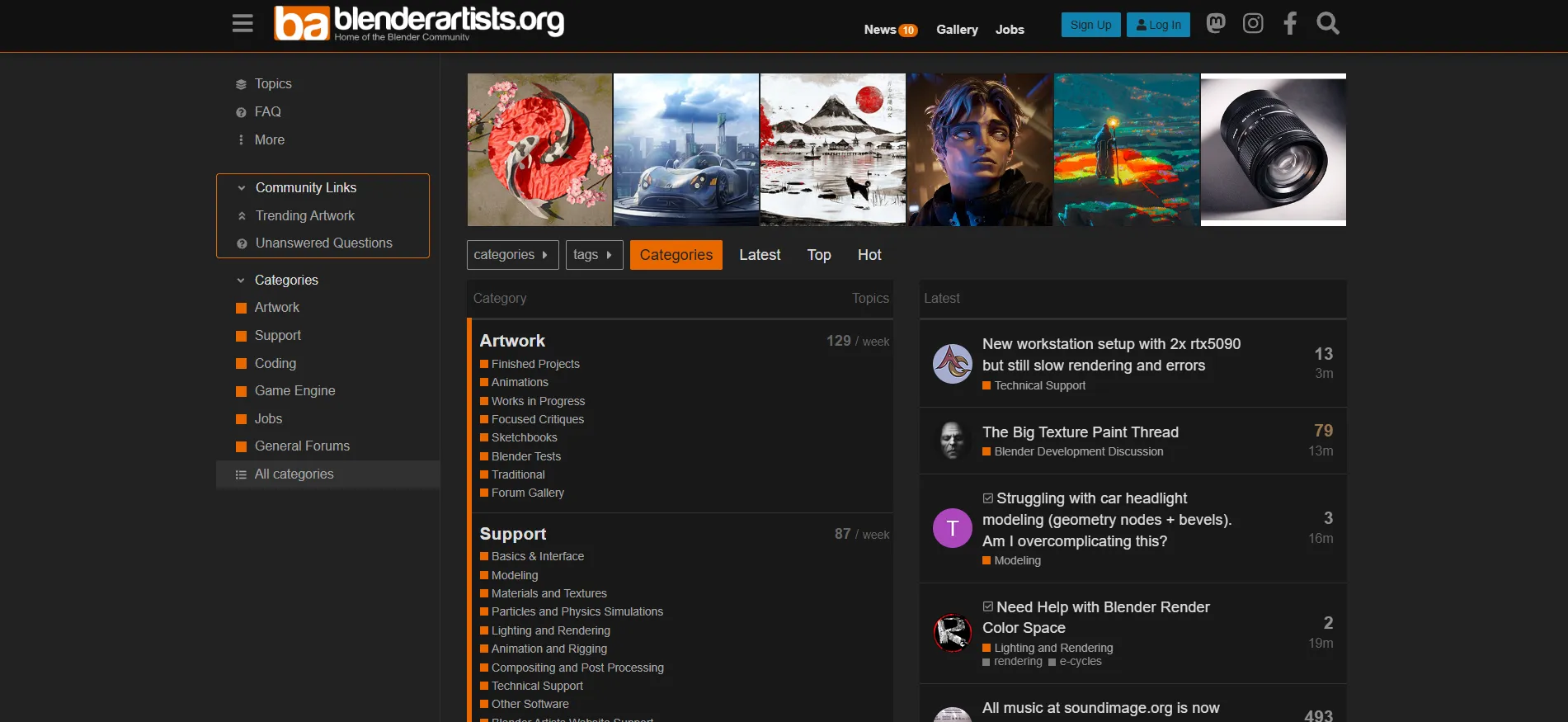
The longest-running Blender 3D community forum, hosting 200K+ members and 1M+ posts covering modeling, rendering, animation, and Blender's rapid feature evolution through 2026.
Discover other art communities you might be interested in
Vermont-based abstract painter Jane Davies offers a two-decade blog archive, year-long online classes, and in-person workshops on colour, mark-making, and visual language.
View details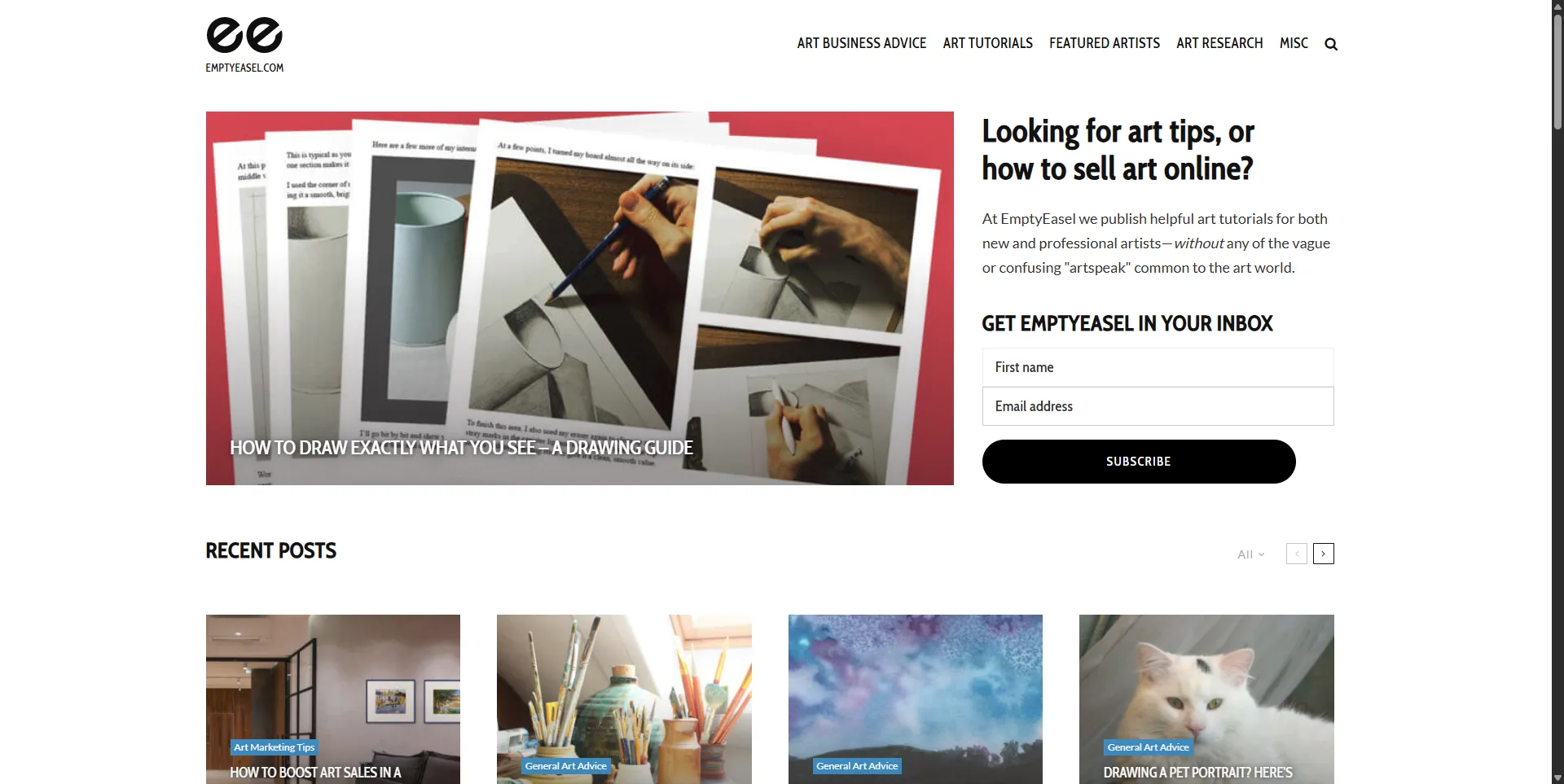
Empty Easel has published practical art business and technique advice since 2006. Dan Duhrkoop's blog covers pricing, selling, and marketing for independent artists.
View detailsExplore definitions from our glossary that connect to this community
3D modeling is the process of creating three-dimensional objects in digital space. Learn its history from the 1975 Utah teapot to Meta's SAM 3D and Roblox's AI Build in 2026.
Clay is the primary modeling material for sculpture, fired into earthenware, stoneware, and porcelain. Used for over 30,000 years, it remains the most versatile and accessible sculptural medium.
Read more about this topic on our blog
Blender 4.5 LTS shipped in June 2026 with a redesigned interface, the new Vulkan-based viewport, and significant improvements to the Grease Pencil tool. Within hours of the release, Blender Artists had multiple threads dissecting the changes, sharing test renders, and reporting bugs. That is what this forum does. It has been doing it since 2004.
Over 200,000 registered members and more than two decades of accumulated posts make Blender Artists the longest-running and most comprehensive independent community for Blender users. The forum has tracked Blender's evolution from a niche open-source tool used primarily by hobbyists to a production-grade application now used at studios like Ubisoft, Tangent Animation, and hundreds of independent studios worldwide. The ArtStation State of the Art Report 2026 confirmed that Blender is now the second most popular software among digital artists, trailing only Photoshop, and the most common software pairing is Blender plus Photoshop.
Blender's open development model creates a feedback loop that proprietary software cannot replicate. The Blender Foundation develops the software openly, and user feedback directly influences development priorities. Blender Artists is one of the primary channels for that feedback.
When major features like Geometry Nodes, the Grease Pencil 2D animation system, or the Eevee Next real-time render engine are introduced, the Blender Artists community is among the first to test, evaluate, and report issues. The forum's technical discussions have directly influenced feature refinements, workflow improvements, and bug fixes across multiple Blender releases.
Insider tip: If you find a bug or have a feature request, posting it on Blender Artists with a clear repro case and .blend file attached carries more weight than you might expect. Blender developers and core contributors read the forum, and well-documented reports from the community regularly make it into the development pipeline.
The forum is organised into sections that cover the full range of Blender's capabilities:
Insider tip: Before posting a technical question, search the forum archives. The odds are good that someone has already asked and answered your question, often with more detail than you would get from a fresh post. The search function is not great, so use Google with "site:blenderartists.org" for better results.
The work-in-progress threads are the single most underrated learning resource on the forum. Browsing the WIP threads of skilled artists provides insight into professional workflows: how experienced users approach modelling challenges, organise their scenes, set up lighting, and optimise renders. These threads function as informal tutorials that reveal the decision-making process behind finished work in a way that polished tutorial videos often cannot.
Challenge and contest threads provide structured opportunities for skill development. Regular challenges with specific themes or constraints encourage members to practice new techniques and explore unfamiliar areas of Blender. The competitive element adds motivation, while community feedback on challenge entries provides targeted guidance for improvement.
Insider tip: The weekly weekend challenges are low-pressure and open to all skill levels. Entering one is the fastest way to get constructive feedback on your work from experienced Blender users. Do not wait until you feel "ready." The community is genuinely welcoming to beginners.
Blender's industry adoption has accelerated dramatically. The State of the Art Report 2026 shows that 50% of surveyed artists switch software because of price changes, and 22% cite licensing changes. Blender's free, open-source licence has positioned it as the natural alternative as subscription fatigue grows among digital artists. Studios that have adopted Blender for production work, including Ubisoft and numerous smaller studios and freelance operations, are represented in the community.
The forum's job board lists positions and freelance opportunities specifically seeking Blender skills. As the software's industry adoption has grown, so has the volume and quality of job postings.
Insider tip: The job board on Blender Artists is useful but not comprehensive. For broader 3D and entertainment art job listings, also check the ArtStation Jobs board and Behance. Blender-specific roles are posted on all three platforms.
The forum's discussions track Blender's rapidly expanding feature set:
Blender Artists is the forum for Blender users, but it is not the only Blender community. The Blender Discord server offers real-time interaction and faster feedback for quick questions. Reddit's r/blender has a larger active user base and more casual content, but the depth of technical discussion does not match the forum format. Blender Studio (the Blender Foundation's own learning platform) offers official tutorials and production files.
For 3D artists more broadly, ArtStation is the professional portfolio platform, while Blender Artists is the knowledge and community hub. They serve different purposes and complement each other rather than competing.
The forum format can feel slower and less immediate than Discord or Reddit. Artists seeking rapid feedback or real-time interaction may prefer those platforms. The volume of content can also be overwhelming for new users, and the forum's search functionality is limited. The interface, while functional, has not been modernised to the degree that newer platforms have.
Blender Artists is for anyone who uses Blender seriously. Beginners find a patient, welcoming community that answers questions thoroughly. Intermediate users benefit from work-in-progress threads, challenge participation, and detailed technical discussions. Professional artists connect with peers, share industry knowledge, and stay current with the software's rapid development. Technical artists interested in Blender's internals, scripting, and add-on development find a community of sophisticated users who can discuss these topics at a high level.
It is not for artists who need real-time interaction or who prefer social media-style engagement. The forum format rewards long-form discussion and searchable archives over quick exchanges and visual feeds.
Visit blenderartists.org to browse the forums and register for a free account. For related resources, see our profiles on ArtStation, ArtStation Learning, and Behance.
Quiet Canvas is a space for artists and art lovers: essays, glossary terms, tools, and curated directories to support your creative practice.
Learn more →


