
Doodle Art Explained: Styles, History, and How Artists Use It
Doodle art is more serious than it looks. From medieval manuscript margins to Zentangle and professional illustration, here is the full story of the humble doodle.
Your cart is empty
Browse the store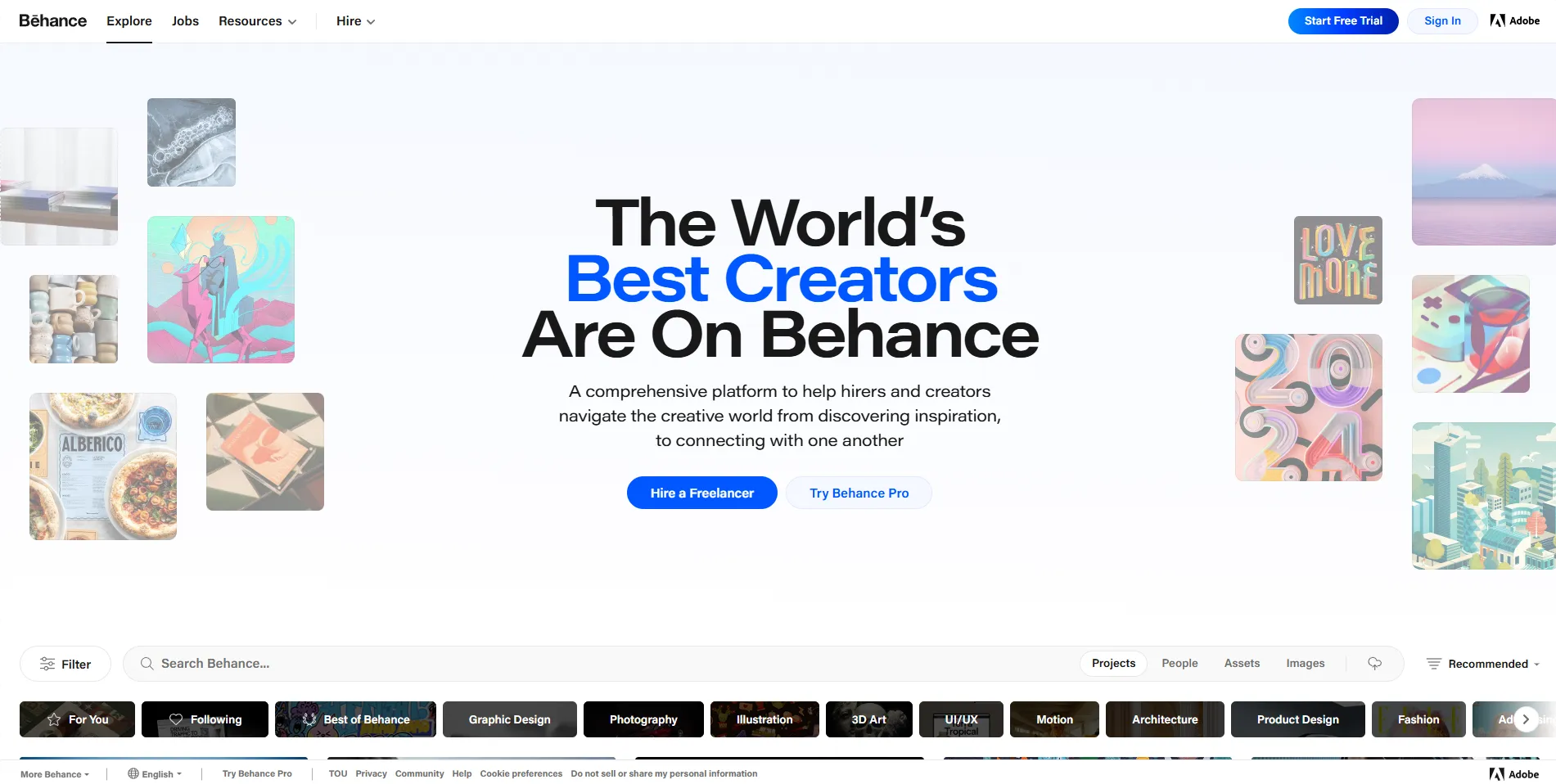
Adobe's creative portfolio platform with 50M+ members, a rebuilt job board, freelancer dashboard, and $80M in job opportunities facilitated in 2025 alone.
Discover other art communities you might be interested in
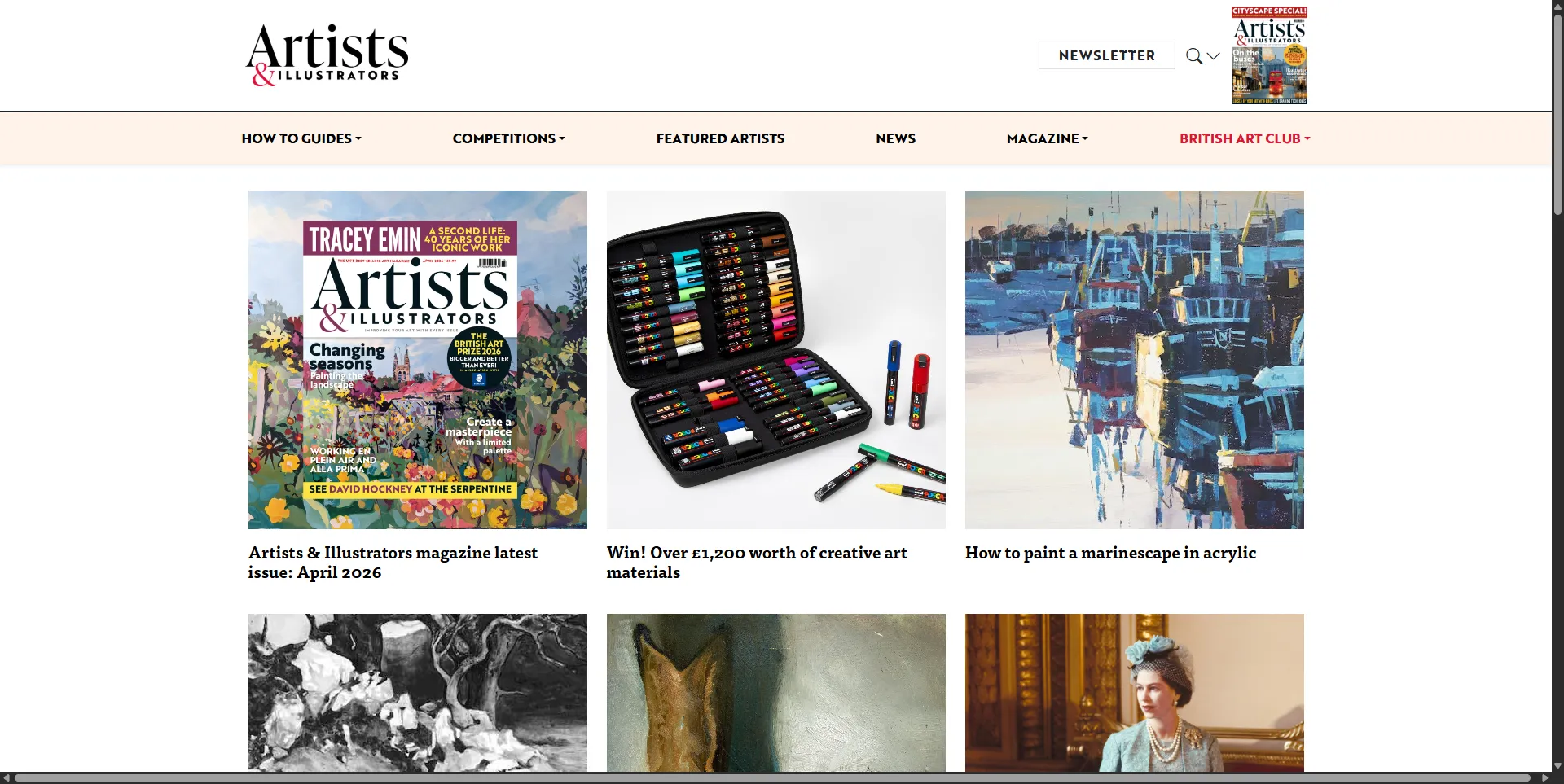
Britain's best-selling magazine for practising artists, covering painting technique, materials reviews, artist profiles, and the British Art Prize competition since 1986.
View details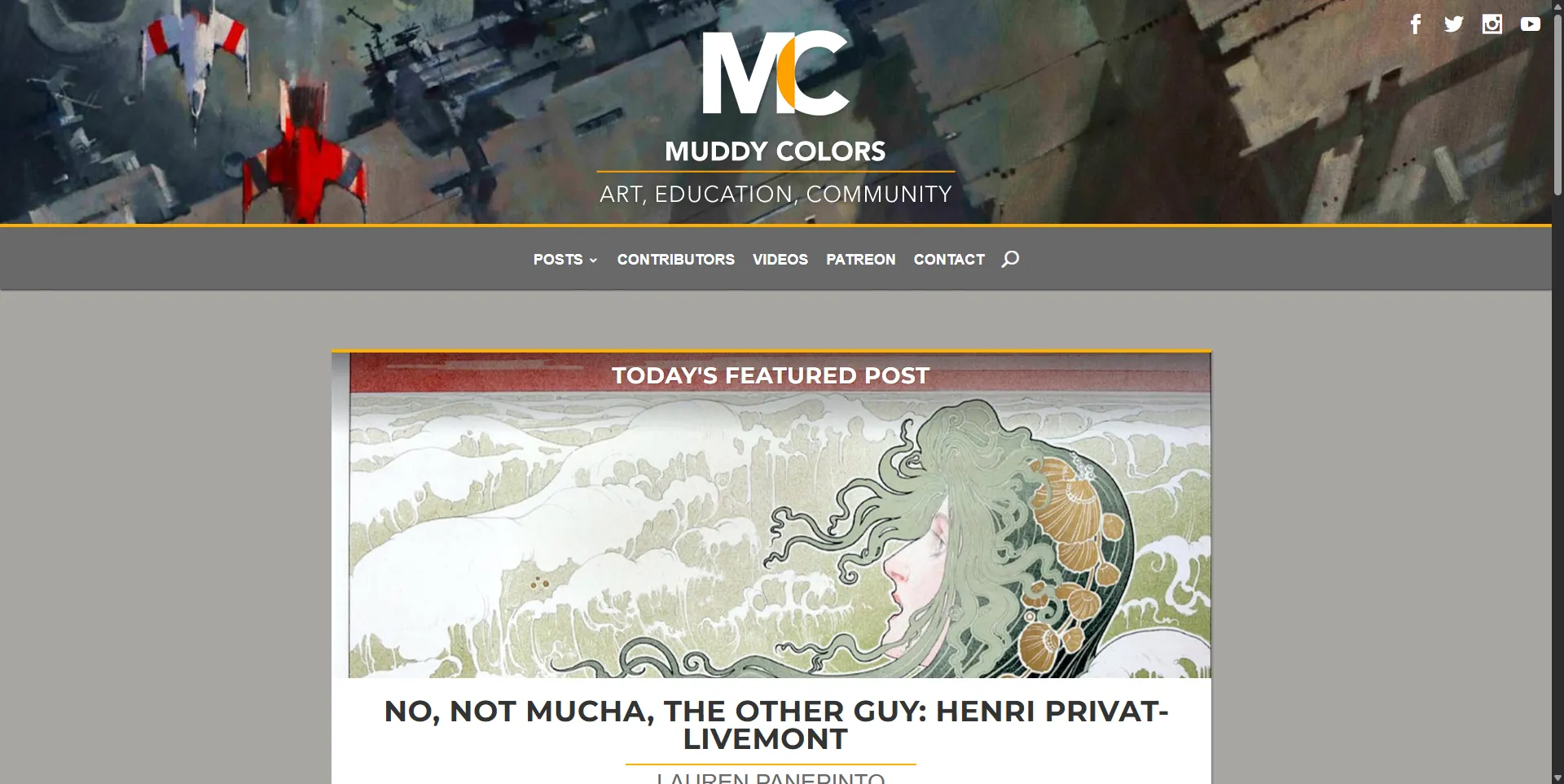
Muddy Colors is a group blog by leading fantasy and SF illustrators including Greg Manchess and Donato Giancola. Still active in 2026 with NASA patches and Grim Oak Press work.
View detailsExplore definitions from our glossary that connect to this community
Illustration is the art of creating images that communicate, accompany, or respond to text. Learn its history from medieval manuscripts to digital media.
Propaganda posters use graphic design for political persuasion. Learn their history from WWI to Soviet propaganda to contemporary Ukrainian resistance posters, key artists, and techniques.
Read more about this topic on our blog
Doodle art is more serious than it looks. From medieval manuscript margins to Zentangle and professional illustration, here is the full story of the humble doodle.

Explore the complex relationship between fine art and advertising. From Toulouse-Lautrec's Moulin Rouge posters to Warhol making consumerism the subject of art, discover where the line between commercial design and visual culture dissolves.

Discover gouache, the opaque painting medium used by illustrators, designers, and fine artists from medieval manuscript painters to Mary Blair. Learn how it works, how it differs from watercolor, and how to get started.
In 2025, Behance facilitated $80 million in job opportunities through more than 100,000 freelance projects, full-time jobs, and Adobe commissions. That is not a vanity metric. That is real money flowing through a platform that has spent two years rebuilding itself from a passive portfolio site into an active freelance marketplace. The Behance Year in Review 2025 laid out the numbers clearly, and the 2026 product roadmap pushes harder in the same direction: better job matching, AI-assisted brief generation for hirers, and a rebuilt job board that launched in June 2026.
Owned by Adobe since 2012 and hosting portfolios from over 50 million creatives, Behance has evolved from a showcase platform into a working marketplace where creative careers actually happen. If you are a graphic designer, illustrator, photographer, UI/UX designer, or motion designer, Behance is where your clients are looking for you.
The new Behance job board, launched in June 2026, is a genuine improvement over the old system. The layout is built for how people actually browse: a vertical scroll with jobs on the left and the full description on the right, so you can move through listings without losing your place. Freelance and full-time roles are unified in one view, with filters for location, job type, salary range, and more.
The personalisation is the real upgrade. The job board surfaces recommendations based on your profile, skills, availability, and stated preferences. You can set job alerts with specific criteria and receive emails when new listings match. Full-time roles can be applied to directly from the listing. Behance Pro members looking for freelance work can send proposals to clients without leaving the platform.
Insider tip: The job board only works well if your profile is current. Update your skills, availability, and the types of work you are open to. The recommendation engine relies on this data. A stale profile with outdated skills will surface irrelevant listings and miss the ones that actually fit.
At Adobe MAX in October 2025, Behance introduced the Freelancer Dashboard, a centralised workspace for managing the business side of freelance work. From the dashboard, freelancers can respond to inquiries, send proposals, request payments, review feedback, and apply to recommended jobs without leaving Behance.
The payment integration is the part that matters most. Behance now connects to Stripe and PayPal, allowing freelancers to request upfront payments before starting work and lock files to request final payment once the project is complete. These built-in tools address the biggest pain point of freelance work: getting paid on time. For freelancers who have chased invoices through email threads and awkward follow-ups, having payment requests tied to file delivery is a meaningful workflow improvement.
Insider tip: The file-locking feature is only effective if you actually use it. Many freelancers hand over final files before requesting payment out of habit or client pressure. Set the expectation early: final files are delivered when final payment is processed. The dashboard makes this enforceable rather than just aspirational.
Behance Pro launched to help creatives "accelerate their careers and earn more doing what they love." The feature set addresses specific challenges that free users face:
Insider tip: The pricing guidance feature is only as good as the data behind it. For common disciplines like graphic design and illustration in major markets, the recommendations are useful. For niche disciplines or smaller markets, the sample size may be too small to produce reliable guidance. Use it as a reference point, not a rule.
What distinguishes Behance from Instagram or Twitter is its project-based portfolio structure. Rather than posting individual images to a feed, artists present work as curated projects with multiple images, process documentation, and descriptive text. This format supports the kind of in-depth presentation that art directors and hiring managers need to properly evaluate creative talent.
The platform supports customisable layouts appropriate to different disciplines: grid layouts for illustration portfolios, case study formats for design work, and immersive full-width presentations for photography and visual art. Motion designers and animators can embed video directly into projects alongside process documentation and still frames.
Insider tip: The case study format is what separates professional Behance portfolios from amateur ones. Instead of posting a finished logo or illustration with a one-line caption, document the brief, the research, the ideation process, the iterations, and the final execution. This demonstrates strategic thinking alongside visual execution, which is what clients pay premium rates for.
Behance has invested heavily in the hiring side of the marketplace. Hirers can now generate a polished project brief in seconds with AI assistance, then instantly get matched with qualified creatives who meet their needs. The Hiring Dashboard provides a single place to manage every stage: tracking applicants, reviewing portfolios, and handling payments securely on the platform.
For 2026, Behance has promised new hiring tools designed specifically for recruiters, creative teams, and agencies who need to identify talent quickly. The goal is to make hiring on Behance as fast and intuitive as hiring on LinkedIn, but with the portfolio quality that LinkedIn cannot match.
Behance occupies a distinct position in the creative platform ecosystem. ArtStation serves entertainment art professionals (concept artists, 3D artists, game artists) with industry-specific tools and a job board focused on studio roles. Behance serves a broader creative audience that includes graphic designers, photographers, UI/UX designers, and commercial illustrators. Dribbble focuses on bite-sized design shots and has a smaller audience. Instagram provides social reach but no professional tools or job matching.
For most creative professionals outside the entertainment industry, Behance complements rather than replaces other platforms. It serves as the professional portfolio hub that social media platforms drive traffic toward. The Adobe Creative Cloud integration, which lets artists publish work directly from Photoshop and Illustrator, is a workflow advantage that no competitor offers.
Insider tip: If you are an Adobe Creative Cloud subscriber, you already have access to some Behance Pro features. Check your Creative Cloud plan before paying for a separate Pro subscription to avoid double-paying.
Behance is for commercial creatives who want to attract clients, find freelance work, and present their portfolio in a professional format that supports case studies and project documentation. If you are a graphic designer, illustrator, photographer, UI/UX designer, motion designer, or commercial artist, Behance is the platform where your clients are looking for talent. The 2025 investment in freelancer tools, payment integration, and job matching has made it a working marketplace rather than just a showcase.
It is not for entertainment artists, who should be on ArtStation. It is also not for artists who want a purely social experience without professional intent. Cara and DeviantArt serve that use case better.
The Pro subscription is worth the cost if you are actively freelancing and can take advantage of the 0% transaction fees, exclusive job access, and Project Boost. If you are only using Behance as a passive portfolio, the free tier is sufficient. Visit behance.net to create a free account and start building your portfolio. For related resources, see our profiles on ArtStation, Cara, and Concept Art World.
Quiet Canvas is a space for artists and art lovers: essays, glossary terms, tools, and curated directories to support your creative practice.
Learn more →


