Ctrl+Paint: The Free Digital Painting School That Refuses to Become Obsolete
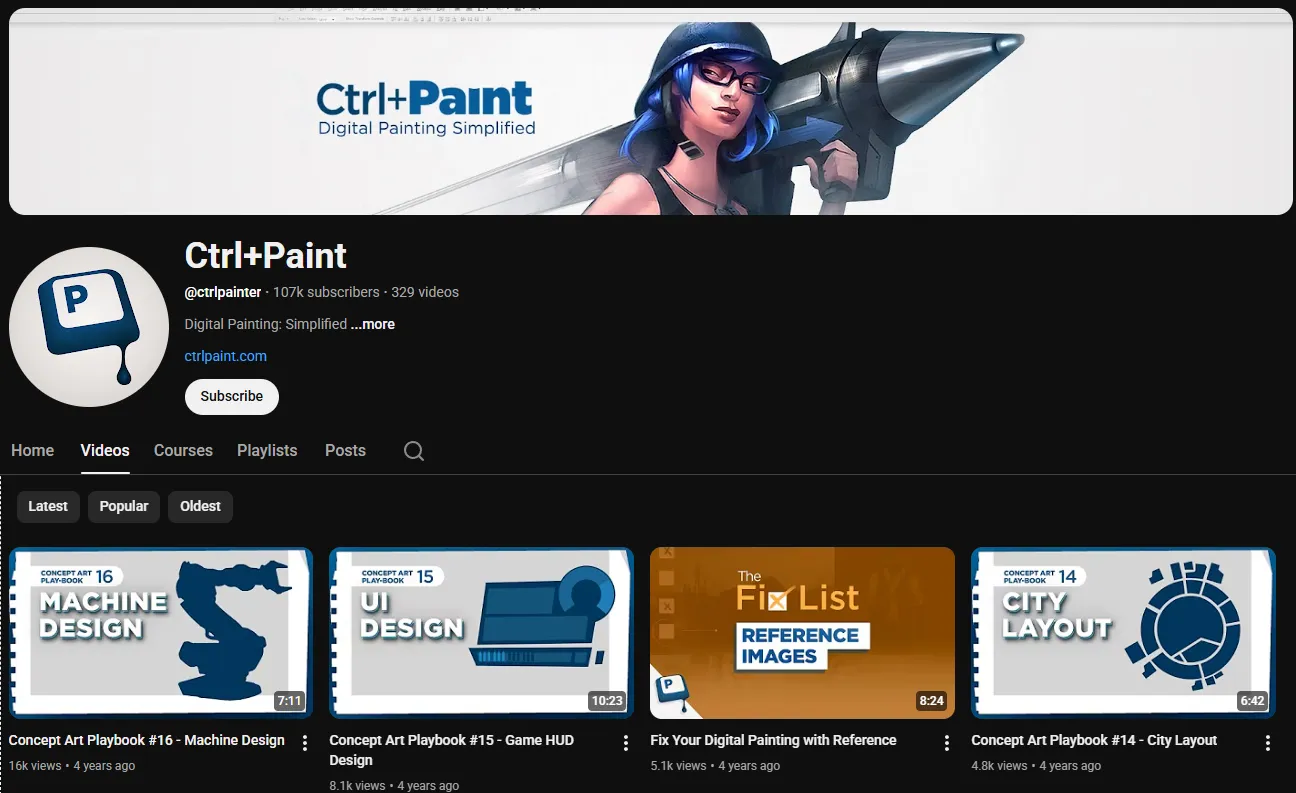
Most digital art tutorials on YouTube have a shelf life of about two years. Software updates change the interface, new tools replace old workflows, and yesterday's technique video becomes today's anachronism. Ctrl+Paint is the exception. Matt Kohr, a Savannah College of Art and Design graduate who worked as a professional concept artist on console game titles before going freelance, built a free curriculum that has remained relevant for over a decade because it teaches painting fundamentals, not software features.
The Ctrl+Paint website and its companion YouTube channel launched in 2012. The free library contains hundreds of streaming videos, each between 5 and 15 minutes, organized into a logical curriculum covering digital basics, value, color, form, and workflow. New videos are still released every Tuesday and Thursday. The project is sustained through $10 video downloads in the Ctrl+Paint store, not through ads, sponsorships, or subscription fees.
The Philosophy: Painting First, Software Second
The central insight behind Ctrl+Paint is that digital painting is painting first and digital second. Value control, color relationships, edge quality, composition, and form are the same whether you are working with oil on canvas or pixels on a screen. Artists who understand these fundamentals can apply them in any medium. Artists who learn only software features without understanding the underlying principles will always be limited by their tools.
This philosophy shapes every video. Kohr consistently redirects attention from "how do I do this in Photoshop?" to the more important question of "what am I trying to achieve, and why?" The software is treated as a tool for implementing artistic decisions, not as the source of those decisions. This approach produces artists who can adapt to new software, new workflows, and new challenges because they understand what they are doing at a fundamental level.
The curriculum is explicitly software-agnostic. While Kohr often demonstrates in Photoshop, he notes which concepts apply universally and which are software-specific. This makes the instruction accessible to students using Procreate, Clip Studio Paint, Krita, Corel Painter, or any other digital painting application.
The Free Library Structure
The free library on ctrlpaint.com is organized into a logical curriculum that guides students from absolute beginner through intermediate skills. Each section builds on the previous one, so students always know where they are, what they have covered, and what comes next.
The Digital Basics section covers how digital painting software works, workspace setup, effective use of layers, controlling brush opacity and flow, and developing the hand-eye coordination needed for digital mark-making. These videos save complete beginners from the frustration of trying to learn painting and software simultaneously without guidance.
The Value section is the heart of the curriculum. Kohr treats value as the most important element of representational painting, and the videos cover how to see value relationships, simplify complex subjects into clear value structures, use value to create the illusion of form and depth, and control value in digital painting software. Students who complete this section develop a genuine understanding of value that transforms their ability to make convincing paintings.
The Color section builds on the value foundation, introducing color temperature, color relationships, and the specific challenges of working with color in digital media. Kohr's color instruction breaks down complex concepts into understandable principles with clear demonstrations.
The Concise Format: Respect for the Viewer's Time
Most Ctrl+Paint videos run between 5 and 15 minutes, covering a single concept with focus and efficiency. There is no padding, no lengthy introduction, and no repetition of material already covered. Each video makes its point and stops.
This conciseness reflects genuine respect for students' time. Learning to paint requires practice, and time spent watching videos is time not spent painting. Kohr's videos deliver instruction efficiently so students can spend the majority of their learning time actually painting rather than watching someone else paint.
The format also makes the library easy to navigate and revisit. When a student wants to review a specific concept, they can find the relevant video quickly and get the information without sitting through a 40-minute tutorial. This makes the library a practical reference resource as well as a learning curriculum.
How It Compares to Other Digital Art Education
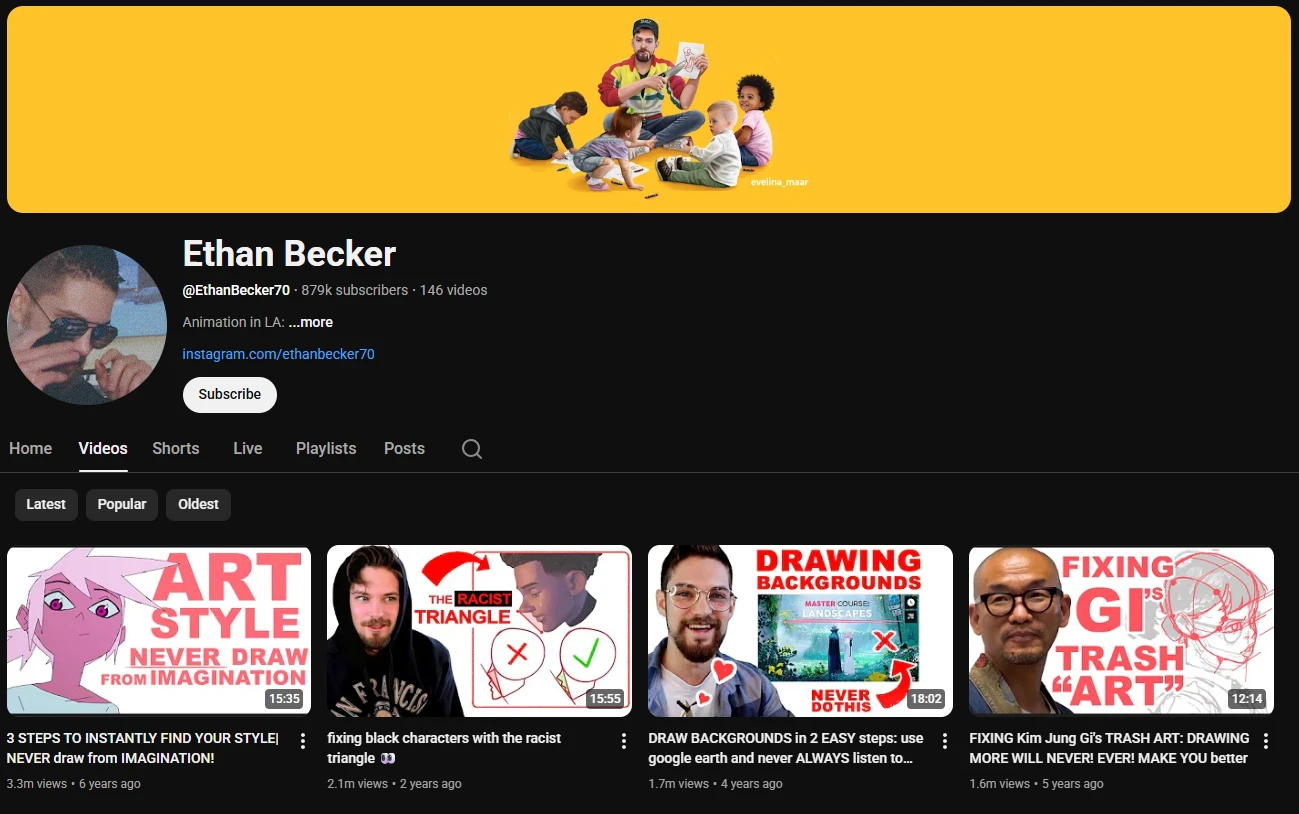
Ctrl+Paint occupies a unique position in the digital art education ecosystem. Art with Flo is better for complete Procreate beginners who need software walkthroughs. Bobby Chiu and Schoolism are better for intermediate-to-advanced artists pursuing professional careers. Ethan Becker is better for animation-specific gesture and anatomy training.
Ctrl+Paint sits between these channels. It is the resource you use after you have learned your software interface but before you are ready for professional-level instruction. It bridges the gap between "I know how to use the tools" and "I know how to paint," which is the gap where most self-taught digital artists get stuck.
The closest equivalent is our own Ctrl+Paint digital art course review, which covers the paid content in more detail. The free library alone is genuinely comprehensive and genuinely free, not a teaser for paid content. Students who cannot afford paid courses can access everything they need to develop solid digital painting fundamentals through the free library alone.
The Paid Content
While the free library is the most widely known part of Ctrl+Paint, Kohr offers paid content through the website store for $10 per video collection. These cover more advanced topics, longer demonstrations, and additional resources that complement the free library. The paid content is worth it if you have completed the free curriculum and want to go deeper, but it is not required for building genuine skill.
The existence of the free library alongside paid content reflects Kohr's commitment to making foundational art education accessible to everyone regardless of financial situation. In an era where most online education has moved to subscription models, Ctrl+Paint's $10 download model feels almost quaint, and that is part of its appeal.
Why Ctrl+Paint Remains Essential in 2026
The core content was created in 2012 and has not been significantly updated since then. In a field where software changes rapidly, this might seem like a limitation. In practice, it is not, because the fundamentals Kohr teaches are timeless. Value relationships, color temperature, edge quality, and compositional principles work the same way in 2026 as they did in 2012, and Kohr's explanations are as clear and accurate today as when they were recorded.
The channel and website remain among the most frequently recommended resources in digital art communities, consistently cited by experienced artists as foundational to their development. For any artist beginning their digital painting journey or wanting to strengthen their understanding of fundamentals, Ctrl+Paint is one of the first resources they should encounter.
Who Should Watch
Self-taught digital artists who know their software but feel stuck in their artistic development. If you can use Photoshop or Procreate but your paintings do not look right and you cannot figure out why, the Ctrl+Paint value and color sections will probably diagnose and fix the problem.
Beginners transitioning from traditional to digital will find the Digital Basics section invaluable for understanding how digital painting differs from traditional media and how to set up an efficient workflow.
Art educators looking for a structured, free curriculum to assign to students will find the organized library more useful than scattered YouTube tutorials. The logical progression from digital basics through value and color means students build skills in the right order.
Insider Tips
- Start at the free library page, not the YouTube channel. The website organizes videos into a curriculum, while the YouTube channel is just a chronological feed. The curriculum structure is the whole point.
- Do not skip the Value section even if you think you already understand value. Kohr's treatment of the subject is more systematic and practical than most art school courses, and it is the section where most students see the biggest improvement in their work.
- If you find the free content valuable, buy one of the $10 paid packs. It is the most direct way to support the continued development of the resource, and the paid content is genuinely worth the price.
Final Verdict: Who Is This Actually For?
Ctrl+Paint is for any digital artist who wants to understand why their paintings work or do not work, rather than just learning software tricks. If you are a complete beginner, start with Art with Flo to learn your software interface, then move to Ctrl+Paint to learn how to actually paint. If you are an intermediate artist feeling stuck, the value and color sections will probably unstick you. If you are an advanced artist, you may already know most of this material, but the concise format makes it a useful reference.
Start at ctrlpaint.com and work through the free library in order. For complementary education, see Bobby Chiu's Schoolism for professional-level instruction and Proko for figure drawing and anatomy.