Adobe Stock Review: Is the 2026 Price Hike Justified?
In Q1 2026, Adobe did something that made every freelancer wince: they raised Adobe Stock prices by 33 percent and renamed the product to Adobe Stock with AI Edits. The 10-asset monthly plan went from $29.99 to $39.99. The renaming was not just cosmetic. It signaled that Adobe is positioning Stock as an AI-powered editing platform, not just a media marketplace. The question is whether the new AI Studio tools justify the higher price tag, or whether you should look elsewhere.
What Actually Changed in 2026
The biggest shift is AI Studio, which launched on April 13, 2026 alongside a full site redesign. This is not a minor feature addition. Adobe retired its previous "Customize" tool entirely and replaced it with a native editing environment built into the Stock website. Three image tools stand out:
- Type to Edit: Describe changes in plain language. Want to adjust the lighting, change a model's expression, or swap wardrobe colors? Type it, and the image updates in seconds. This is generative modification applied to licensed stock content, not simple crop-and-clone editing.
- Change Mood: Shift the emotional register of an image with one click. A dark, somber landscape becomes bright and optimistic without altering the underlying composition.
- Change Color: Apply preset palettes or input exact hex codes to align an image with brand guidelines. Useful when color consistency across assets is non-negotiable.
The video tools are where things get genuinely interesting. Animate Image converts still photographs into 5-second motion clips. Given that Adobe Stock holds nearly 800 million assets, this effectively turns a massive image library into a video resource. Audio Match pairs a video clip with an AI-generated soundtrack in seconds, which addresses one of the most time-consuming tasks in post-production.
Every AI tool in AI Studio runs on Firefly models, trained on licensed and public domain content. This means every edit is covered by the same indemnification as human-created content. If you are a brand manager worried about AI copyright risk, this is a meaningful differentiator compared to Midjourney or DALL-E, whose training data includes scraped internet content with uncertain legal status.
The Integration Advantage (Still the Main Reason to Pay)
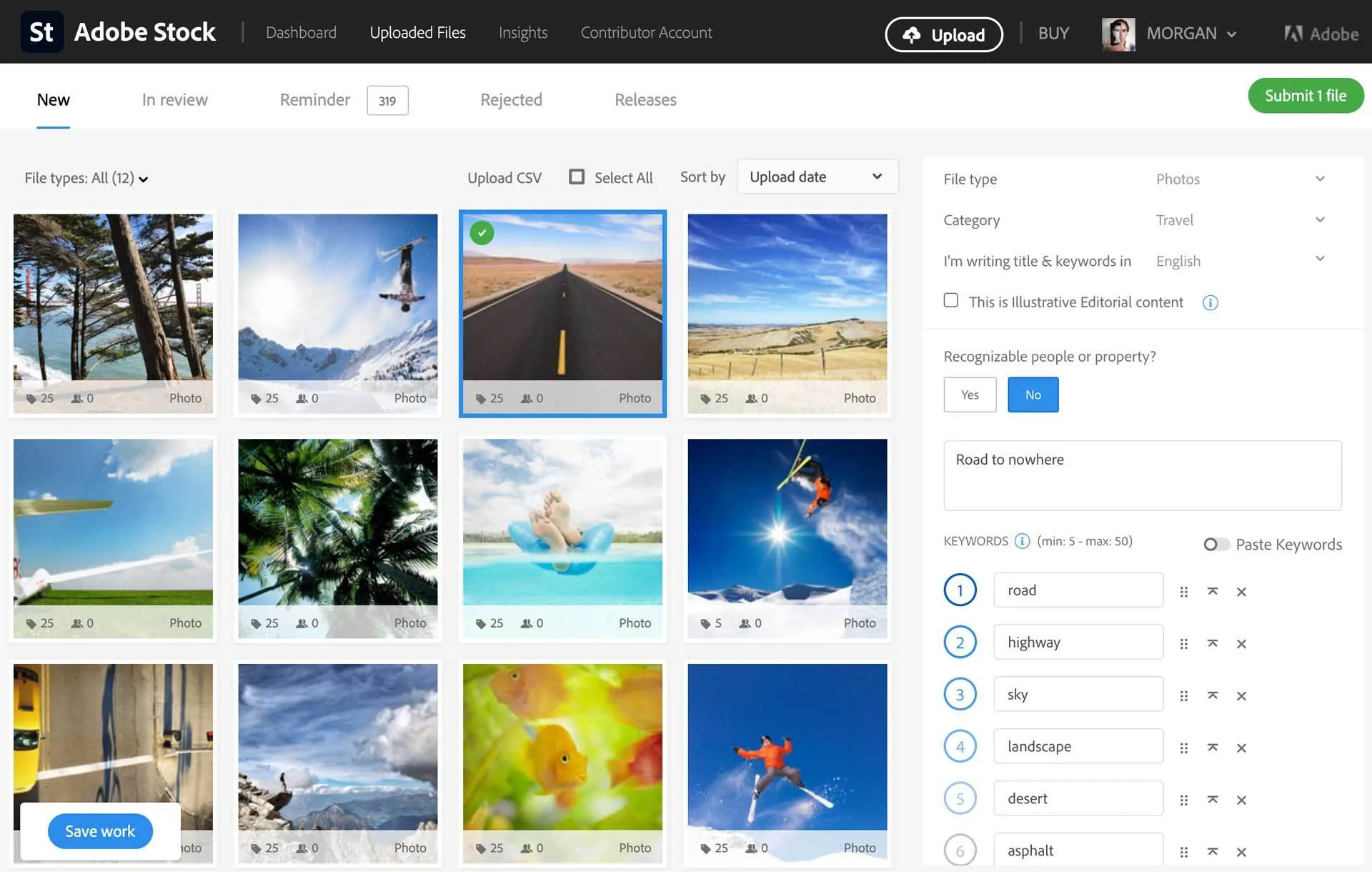
AI Studio is impressive, but the core reason people pay for Adobe Stock remains the same: it lives inside your Creative Cloud apps. Open the Libraries panel in Photoshop, InDesign, or Illustrator, search for assets, drag a watermarked preview onto your canvas, and position it before spending a single credit. When the client approves, one click replaces the preview with the full-resolution version, preserving every edit and effect.
For agencies handling dozens of projects, this saves roughly 2 to 5 minutes per licensed asset compared to the browser-to-desktop-to-import workflow you are stuck with on Shutterstock or Unsplash. At scale, that is real money.
The integration extends to Premiere Pro and After Effects, where stock footage and Motion Graphics templates can be searched and licensed without leaving the editing timeline. Adobe also integrated Stock directly into the Firefly Video Editor, giving creators access to over 800 million licensed assets without switching tools.
Pricing: Where It Hurts
Here is the current pricing structure as of mid-2026:
- Standard 10 assets/month (annual): $29.99/month if billed annually, or $39.99/month if the AI Edits packaging applies. Rollover allows up to 120 unused licenses.
- Standard 40 assets/month (annual): $79.99/month. Rollover up to 480 licenses.
- Standard 750 assets/month (annual): $199.99/month.
- Credit packs: 5 for $49.99, 40 for $339.99, 150 for $1,199.99. All expire after 1 year.
That last point is a real pain. Shutterstock On Demand packs do not expire. Adobe's do. If you are a freelancer with unpredictable download volume, credit packs are a gamble.
One genuine advantage: HD video is included in Standard subscriptions. Most competitors require a separate video subscription. 3D assets (models, lights, materials) are also included, which is valuable if you use Substance 3D or Dimension.
For teams, Adobe offers pooled licensing, centralized administration, and shared libraries that integrate with Creative Cloud for Teams. The admin console simplifies billing and tracking across multiple users.
Adobe Stock vs. the Competition
Compared to Shutterstock, Adobe Stock has no cost advantage for non-Creative Cloud users. Both start at similar price points. Shutterstock has a larger library and its On Demand credit packs do not expire. Adobe Stock wins on integration and AI editing capabilities.
Compared to Getty Images, Adobe Stock's Premium Collection offers editorial-quality imagery at a lower per-image cost. Getty still leads in exclusive editorial and sports content, but for most commercial work, Adobe Stock Premium is sufficient.
Compared to Pexels or Pixabay, Adobe Stock is in a completely different category. Those platforms are free but lack model releases, video, 3D, and any workflow integration. If budget is zero, start there. If you are billing clients, Adobe Stock pays for itself in time saved.
Who Should Use Adobe Stock?
Creative Cloud subscribers get the most value. If you already pay for Photoshop, Illustrator, or Premiere Pro, the integration eliminates friction at every step. Adding Stock to your workflow is a natural extension, not a separate tool to learn.
Design agencies benefit from team licensing, shared libraries, and the ability to preview and iterate on stock assets within client presentations before purchasing.
Video editors should pay attention to AI Studio's Animate Image and Audio Match. Converting stills to 5-second clips and auto-matching soundtracks can shave hours off social content production.
Brand managers working under strict compliance requirements will appreciate that Firefly-generated and AI-edited content carries the same indemnification as human-created work.
Who Should NOT Use Adobe Stock
If you work primarily in Figma, Canva, or Affinity products, the integration advantage disappears entirely. You are paying a premium for a workflow you cannot access. Look at Shutterstock for comparable content without the Adobe lock-in, or Freepik for a budget alternative.
If you need 4K video regularly, note that it is sold separately with only a 20 percent subscription discount. The HD video included in Standard plans is good, but 4K adds cost quickly.
Final Verdict: Who Is This Actually For?
Adobe Stock with AI Edits is the right choice if you live inside Creative Cloud and want AI-powered editing built directly into your stock workflow. The 2026 price increase stings, but AI Studio's Type to Edit, Animate Image, and Audio Match tools genuinely change how you work with licensed content. The Firefly indemnification gives businesses a legal safety net that standalone AI generators cannot match.
For non-Creative Cloud users, there is no compelling reason to choose Adobe Stock over Shutterstock. The content libraries are comparable, and Shutterstock's non-expiring credit packs are friendlier to inconsistent downloaders.
Start with a free trial through your Creative Cloud membership to test whether the AI Studio tools fit your workflow before committing to the higher price. Also check our reviews of Shutterstock, Unsplash, and Pexels for alternatives.